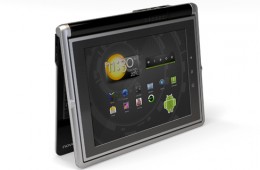
If the design of the Novero Solana netbook/tablet looks familiar, it is. The last time I saw something like this was the Dell Inspiron Duo. Back then the design...
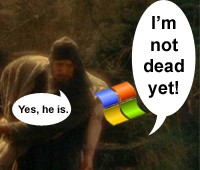
Not everyone gets to know the exact date they're going to die and most people don't want to know. But millions of computers worldwide are staring a kind of deat...
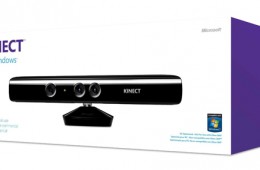
At CES Microsoft head Steve Ballmer announced that the company would release a version of the popular Kinect sensor for Windows machines. Just as promised the u...
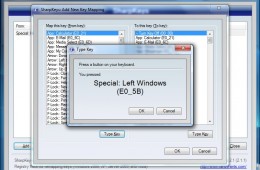
Do you often find yourself accidentally hitting the wrong keys on your laptop because of poor design or just messy typing? I know your pain. Some keys just g...
According to research by the NPD Group, notebook sales exceeded expectations this Back-to-School season. The last two weeks of August saw very strong sales, pos...
Over the past few years computers have gotten extremely powerful, which has made things once possible only on large server computers common on desktops and lapt...
We recently took a look at how to use input languages in Windows 7. In this follow up, we focus on multi-language support in Windows 7. Unlike Input Language, t...
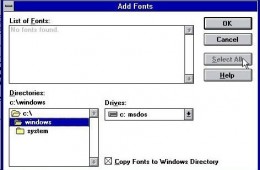
One of the major improvements in Windows 7 is how you manage fonts in the system. With Windows 7 an old relic has also been removed, the Install Font Dialog Box...
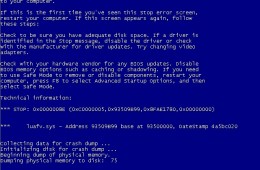
Windows 7 is built on the reliability of the Windows NT code base, which has strong lineage dating back to the early 90’s. With recent releases of Windows such ...
Over the weekend, customers who purchased Windows 7 licenses from Microsoft’s Online Store were reporting issues either activating their licenses or genuine lic...
If you would like to automatically log into Windows 7, you can have the operating system do so. There is a potential security risk, I strongly would not recomme...
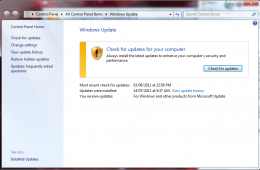
Just like downloading offline definitions for your Antivirus utility, you can do the same for Windows Updates. If you are on a slow connection, or lack the cons...
Sometimes you have to reinstalling Windows. You might wonder if this means backing up files as well as reinstalling applications and drivers. You don't have to....
Technology, of course, has to adapt to a varied environment. For the families, communities and businesses that use more than one language, Windows 7 makes worki...
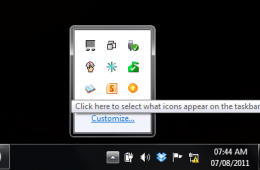
In Windows 7 the Taskbar Notification Area, or System Tray, displays a collection of items used for alerting and quickly adjusting basic system settings such as...
Sound is an important part of using your PC. We use our notebooks to listen to music, listen to the audio in a movie, while we chat with friends and to listen t...
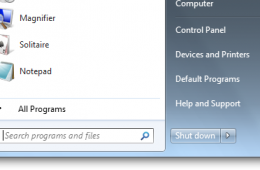
These days, shutting down your computer is a rarity. If you want to save power, but keep your computer ready to turn on, hibernation is an excellent option. I'l...
If you like to start your day by looking at more than one webpage, you can set up Internet Explorer to open several pages when you launch your browser. I use th...
If you would like to make text larger or smaller on-screen for better visibility or because of a visual impairment, this article will show you how to change fon...
Whenever you setup a new user account on your computer it is also a good time to ensure that you also create a password reset disk in case you have a sudden cas...