MacBook users need to back up their hard drives full of pictures, documents, media files and more. Apple includes a couple of tools within OS X that help with M...
Apple announced that they will hold their quarterly earnings call with investors on Tuesday, July 24th. If Apple follows their earlier pattern, they'll release ...
Tomorrow is World Backup Day, an annual event invented to bring awareness to the masses around backups, data, and security. Most people know that they should ba...
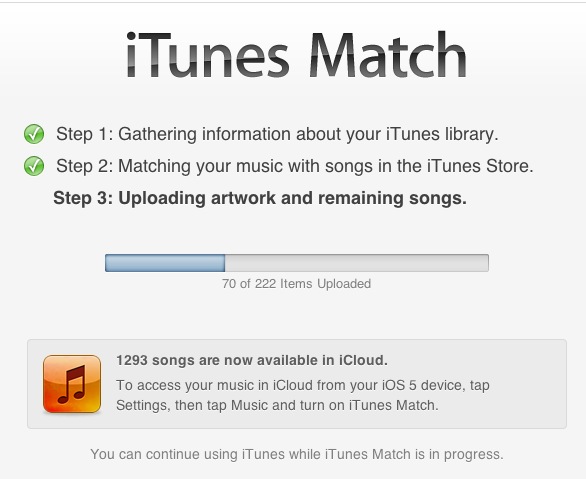
Apple finally released iTunes Match, which lets iTunes check all the music you have on your computer and then lets you access it from iCloud for a yearly fee. S...
Are you ready for the demands of going back to school? Wether you're a student or parent, things are about to get a lot crazier. This means it's more likely tha...
Seagate announced a new wireless hard drive called the GoFlex Satellite Wireless Hard Drive. At 500GB this drive will let you back things up without ever attach...
A stolen laptop is never a good thing, but with a little preparation, you can make sure that you don't lose your data. Best of all, you don't need to be a compu...
Backing up your computer is important enough that you shouldn't need a day dedicated to it, or a collection of deals on online backup services and hard drives, ...
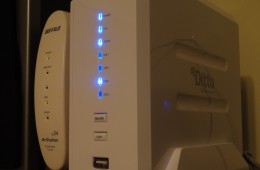
MyDitto is a dead simple way to add network attached storage to your home network. The MyDitto system adds a hard drive to your home or office network and thank...
This tutorial will show you how to configure Time Machine for the first time. Time Machine makes backing up your Mac's files, effortless. If you haven't configu...
In case you missed the news Gmail had a failure this weekend for a small number of users who found their contacts and emails gone. As in poof, vanished. Goodbye...
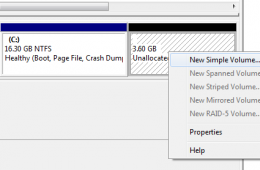
If you have a large hard disk installed in your computer, you can split it up and create small partitions. This can be handy for backing up your data safely fro...
Symantec has just released the company's latest Antivirus and Security software, Norton 360 v 5.0, which comes with a collection of new features and security to...
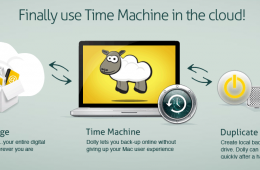
Dolly Drive is interesting new service which was announced at MacWorld 2011 that allows users to backup to the cloud using the Time Machine tool found on MacBoo...
At MacWorld Expo 2011 Dolly Drive showed off its new cloud based Time Machine backup system. The service interfaces their online backup storage and Time Machine...
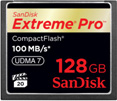
At CES 2011 Sandisk announced a new addition to their USB Flash Drives - security software and online backup features. In addition they are releasing the highes...
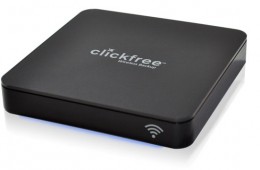
Clickfree is announcing a new backup solution at CES 2011 call the Clickfree Wireless Automatic Backup. After initial setup the user can wirelessly and automati...
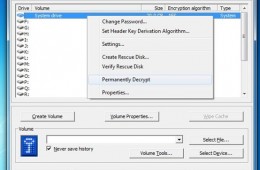
In our previous Notebooks.com article, we took a look at the encryption capabilities built into specific editions of Windows 7, Ultimate and Enterprise. For tho...
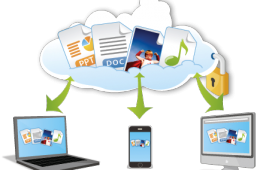
Regardless of the industry push towards cloud computing for new approaches to software distribution, backing up data and publishing media (music, videos, audio)...
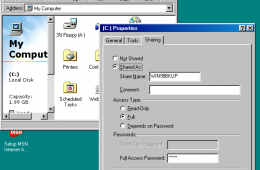
Yes, you read right, we're going to show you how to network Windows 7 and Windows 98. Now, some people might be wondering if we have ran out of ideas or experie...