Yesterday the Building Windows 8 blog posted a lengthy update about Windows On ARM (WOA), the version of the operating system for ARM-chip based devices. Mic...
Will OS X Lion drop this week on Wednesday? One report says it will show up in the Mac App Store at 8:30 am Eastern Wednesday morning. Based on the stability of...
When you start your computer it does a lot of things before you start seeing Windows 7, or whatever your primary operating system is. The first program it start...
If you have recently upgraded to or want to upgrade to Microsoft’s latest web browser, Windows Internet Explorer 9 and you are experiencing some technical diffi...
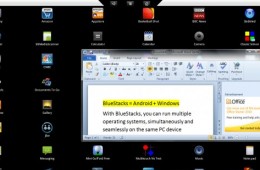
Can't decide if you want to get a Windows tablet or even a Tablet PC versus one of those sleek new Android tablets that are on or about to hit the market? Well,...
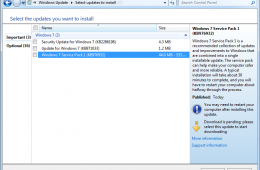
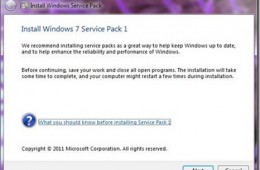
The first major maintenance update for Windows 7, Service Pack 1 is now ready for download. Microsoft released the first beta back in June 2010 followed by a Re...
Installing a Service Pack is nothing new, but there are some pre-requisites users should take into account to ensure a smooth installation. I installed Service ...
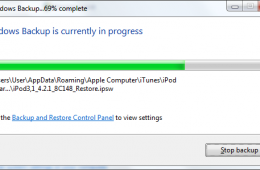
In a previous Notebooks.com article we looked at using System Imaging as handy way to backup our entire computer. The benefits being, you are able to keep a saf...
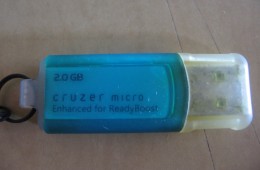
When Windows Vista reached the beta 2 stage of development, one of the touted features of the new operating system was a feature called ReadyBoost. The purpose ...
Back in early July, Microsoft released the first beta for it's first major maintenance update for Windows 7 called Service Pack 1. To be honest, major is kind o...
Microsoft shipped Windows 7 one year ago today replacing one of its least popular operating systems (Windows Vista) with what a year later is now the company's ...
Canonical Design recently announced that they will be implementing some sort of intelligent user interface in future builds of the Ubuntu operating system, star...
Jolicloud just released Jolicloud 1.0, an operating system designed for netbook, as a free download for use with your netbook. Last month, we covered Netbook...
In addition to upping the number of individuals who enjoy computing on the go netbooks have done one thing that notebooks have largely failed to do; bring atten...
Windows Explorer has gone through some significant enhancements in Windows 7, featuring a more refreshing, cleaner design that focuses on simplicity and accessibility. In this article we take a look at some of the changes and improvements such as the new text only Command Bar buttons and Libraries which focuses on aggregating data from desperate locations shared between multiple PC’s within your home network.
Two critical elements that have been revamped for the better are the Taskbar and Start Menu. Some persons I have had conversations with about Windows 7 think it’s a minor release and it’s just Windows Vista reloaded. Yes, it is built on Vista and that’s a very good thing, which means, your investments in that version of Windows will be brought forward in areas of application and device driver compatibility. Apart from that, what new user experiences does Windows 7 introduce? What about the learning curve?
We recently took a look at installing the Windows 7 using a Clean/Custom Install scenario. This next article will involve doing an in-place upgrade from an existing version of Windows such as Windows Vista SP1 to Windows 7.
Starting October 22nd, many people will start the process of upgrading from previous versions of Windows to Windows 7 RTM. After spending a long while with Windows 7 as my main OS since January 7th, I am excited about this major release that introduces many benefits to daily experiences on the PC at home and work. I want to take a look at installing Windows 7 and I will also be doing an Upgrade Story in a future post, just to get an idea of what its like. Let's get started!
How often do you sit there waiting for the Windows Boot Screen to disappear, just wishing that you could be happily on your way to Twitter or watching a TV Show on Hulu over your lunch break? My guess is pretty often. One of the biggest complaints that people have with their computers is that they take "forever" to boot up and let them do something. While each version of windows boots faster if you really want instant on access you need to have an operating system like Phoenix Technologies’' HyperSpace.