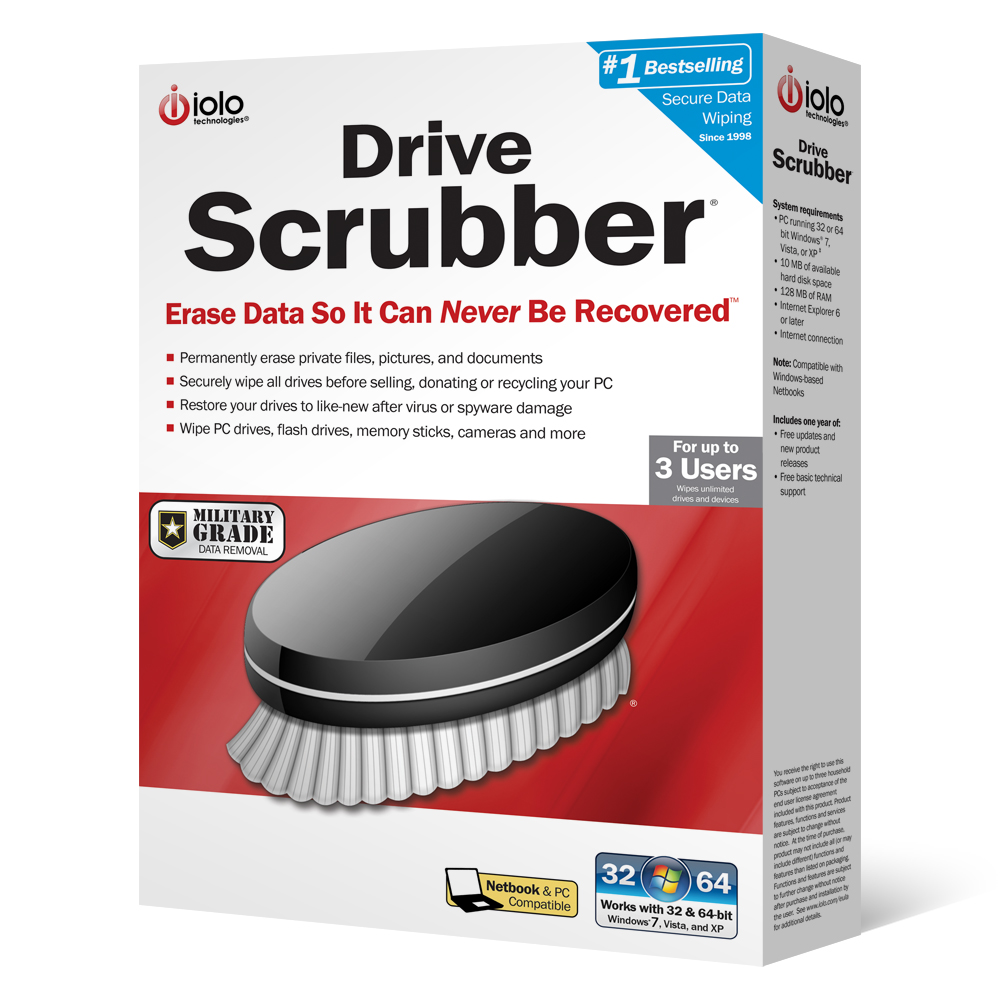
 After switching to a new computer you have to figure out what to do with your old computer. This issue is complicated by the need to keep your personal data safe from whoever ends up with your old computer. Even if you want to give the computer to a friend you should scrub the hard drive to remove all traces of your online banking and personal files. That’s where DriveScrubber from iolo comes in, offering a tool so simple that anyone, including my dad, can use it.
While there are free tools out there for scrubbing your hard drive, many average users will appreciate the simplicity of a solution like DriveScrubber. When my father recently purchased his first laptop he needed to clean off the old computer before giving it away. I didn’t have time to drive over and help him with the process so when iolo offered a review copy of DriveScrubber we jumped at the opportunity.
Ease of Use: Installing DriveScrubber was a straightforward process that had us create a bootable CD that will power the actual drive scrubbing. This took a few minutes and we were good to go.
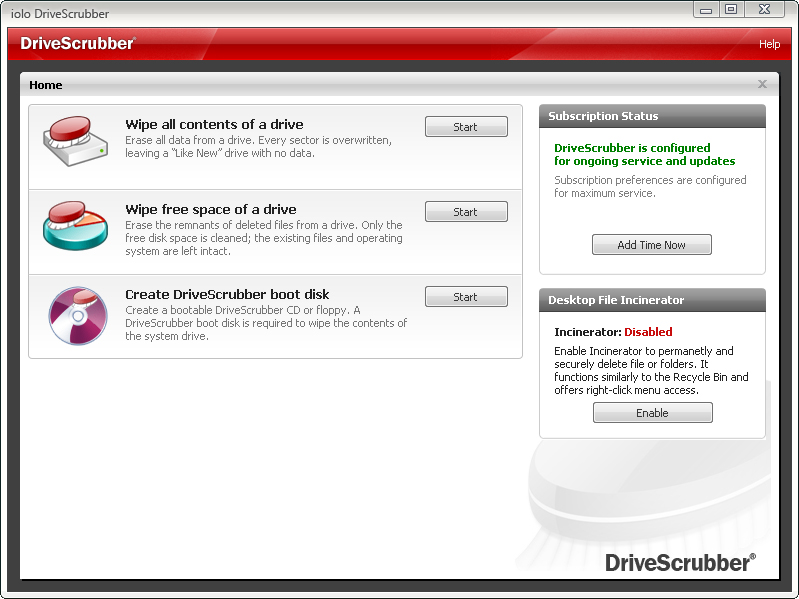
When the computer restarted we only needed to follow the on-screen instructions for selecting our preferred level of permanently erasing sensitive hard drive files. In our case we chose the Department of Defense standard, which in retrospect was a bit of overkill and ended up taking many hours to complete the numerous overwrites. The good news is that after we started the process my dad could walk away from the computer and come back to a clean machine that could be recycled or given away without any worries.
While I normally use LogMeIn to help my dad with his computer, since this was taking place outside of Windows he had to do most of the work himself and other than asking which wiping standard to use he could handle the whole process on his own — which means most home users will be able to use DriveScrubber without a call for help.
Verdict: DriveScrubber is an easy to use hard drive wiping tool that is a good fit for any user who wants to clean their old PC or hard drive before recycling, donating or selling an old PC. At $19.95 for a one year subscription it is a very affordable solution and beats taking a chance with your sensitive data. If you’re a more advanced user you can likely achieve the same result with free tools, but if you want a straightforward hard drive wiping tool, iolo’s DriveScrubber is it.
Related Posts
-
The Mission Mercantile Laptop Sleeve and Laptop Sleeve Vertical are a beautiful way to carry your…
-
Hard-core PC gamers used to literally carry around a desktop computer rig to gaming meet-ups because…
-
The Acer Chromebook 14 for Work brings enterprise hardware to the low-end Chromebook market. Acer…