The iPad Camera Kit was advertised as a way to import pictures from your digital camera onto the Apple iPad. The kit has two connectors that plug into the 30 pin dock connector on the iPad. One has a USB port for plugging in your camera while the other has an SD card slot so you can take your card out of the camera and plug it into the iPad. It turns out that the USB dongle can do a little bit more than connect your camera.
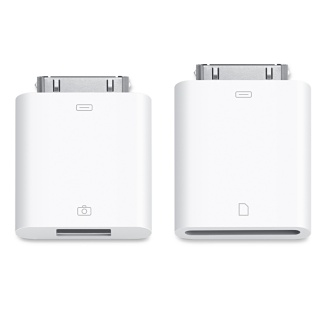
There are reports at Engadget that the USB dock connector will also allow you to connect a USB keyboard and a USB headset. A reader of the TUAW blog was able to enter text via the USB dongle and a USB keyboard. TidBITS also reported that they tried to make a call on the iPad using a USB headset and Skype and it worked.
TidBITS reports that other peripherals, like an external USB hard drive, did not work with the iPad and USB dongle.
The camera kit looks like an interesting tool. The ability to connect USB devices and import images from an SD card would be nice. The import also works with RAW files, which are not even supported natively in Windows 64 bit editions, with my Canon XTi files. I plan to get my hands on the iPad Camera Kit and try it out; when I do I will report back on how it works.
Below is a video demonstrating the SD Card dongle on the iPad.
Related Posts
-
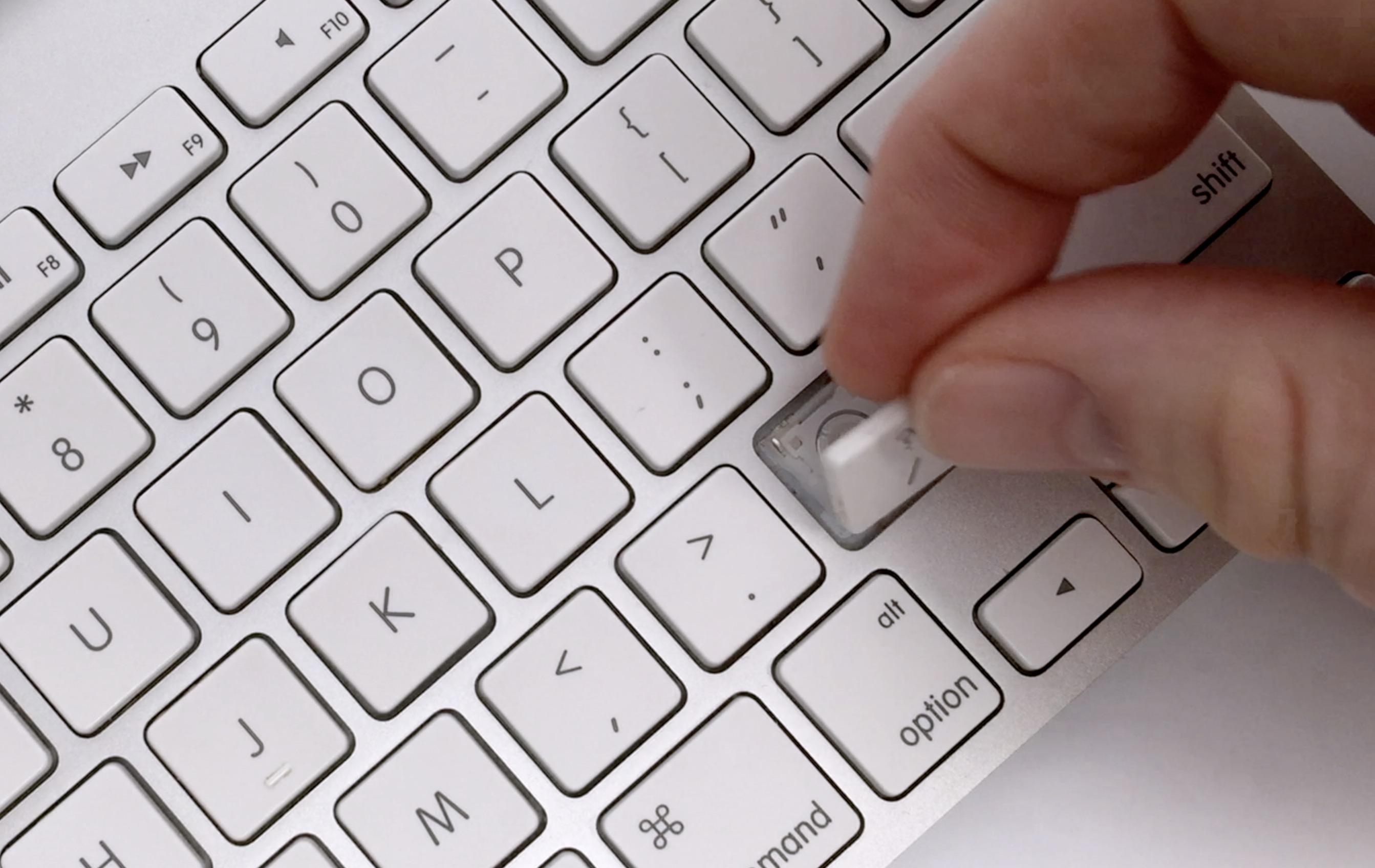
Here are the steps to take in order to fix Mac keyboard keys that have…
-
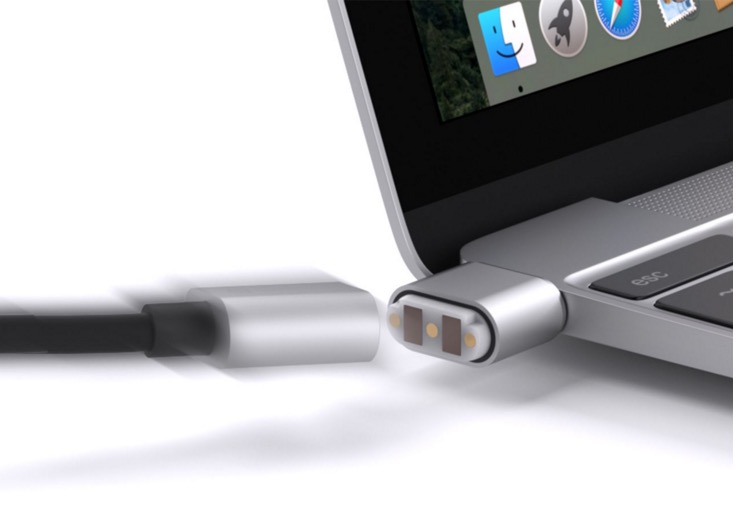
The good thing about USB-C is that it makes USB easier to use than ever before.…
-

Whether you've been a longtime Mac user or just recently made the switch, a guide…