We recently took a look at how to use input languages in Windows 7. In this follow up, we focus on multi-language support in Windows 7. Unlike Input Language, t...
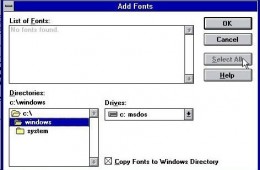
One of the major improvements in Windows 7 is how you manage fonts in the system. With Windows 7 an old relic has also been removed, the Install Font Dialog Box...
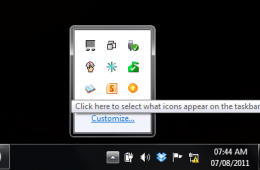
In Windows 7 the Taskbar Notification Area, or System Tray, displays a collection of items used for alerting and quickly adjusting basic system settings such as...
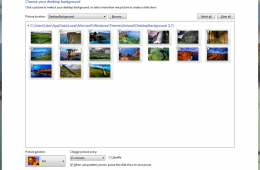
If you want to make Windows a bit more personal, you can customize and change wallpaper in Windows 7 themes in order to change how Windows 7 looks and give it a...
Making your operating system communicate with you can be a daunting task. Its something researchers have been working on for many decades now. Microsoft with Wi...
Making your operating system communicate with you can be a daunting task. It's something researchers have been working on for many decades now. Microsoft might ...
The Windows 7 Desktop puts a lot of power in your view, for Windows XP users in particular, I would like to get you up to speed on some of the improvements. I hope to make this a series of post touring the changes that have been introduced in this release. Lets see what's new.