Tag: Clickfree

How to Transfer Files Between Mac and Windows – 4 Solutions

How to Transfer Files Between Mac and Windows – 4 Solutions

| March 16, 2011 | 0 Comments

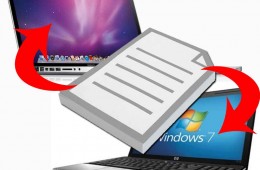
For those who work in multiple operating systems (Microsoft Windows and Mac OS X) one challenge is getting files transferred between the two. We will show you four strategies on how to keep your files in sync and shared between your MacBook and a Windows Notebook. USB Drives – For Occasional Transfers If you only [...]

Continue Reading

Clickfree Wireless Automatic Backup Announced

Clickfree Wireless Automatic Backup Announced

| January 4, 2011 | 1 Comment

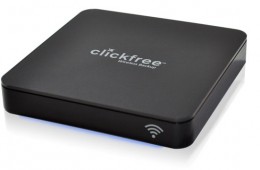
Clickfree is announcing a new backup solution at CES 2011 call the Clickfree Wireless Automatic Backup. After initial setup the user can wirelessly and automatically back up their computers regardless of whether they are running Windows or Mac so long as there is a Wi-Fi signal present and the computers are on the same network. [...]

Continue Reading

Clickfree Announces new Automatic Backup Solutions

Clickfree Announces new Automatic Backup Solutions

| January 6, 2010 | 0 Comments

At CES today, Clickfree announced a new automatic backup solution aimed at helping consumers and small businesses backup their important documents without any tricky setup to deal with. The new C2N series of backup options from Clickfree make use of their  “BackupLink”  technology that can back up multiple computers on the same network with only [...]

Continue Reading

Gadget Stimulus Plan Day 3: Win a 160GB Clickfree Portable Backup Drive

Gadget Stimulus Plan Day 3: Win a 160GB Clickfree Portable Backup Drive

| March 19, 2009 | 139 Comments

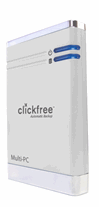
clickfree_drive_portableWe’re trying to close your gadget deficit while the economy’s in the dumps with the Gadget Stimulus Plan. Today we’re giving away a 160GB Clickfree Portable Drive, which offers the simplest way to back up your data. All you have to do is plug the Clickfree drive into your computer and it will automatically back up your files. You don’t have to install or configure anything.

Continue Reading