Not everyone gets to know the exact date they're going to die and most people don't want to know. But millions of computers worldwide are staring a kind of deat...
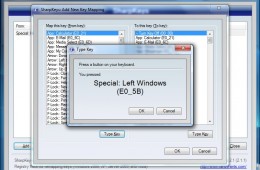
Do you often find yourself accidentally hitting the wrong keys on your laptop because of poor design or just messy typing? I know your pain. Some keys just g...
Over the past few years computers have gotten extremely powerful, which has made things once possible only on large server computers common on desktops and lapt...
Apple is expected to debut its next major release of Mac OS X, the Company’s flagship operating system for its Macintosh computer. Apple describes this release ...
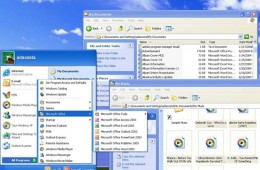
A number of people have told me they are interested in giving Windows XP the boot, but at the same time, they are afraid of letting go of some of Windows XP’s f...
Previously we have looked at how to dual boot Windows 7 and Windows XP with Windows 7 installed first, now we are going to look at a more straightforward method...
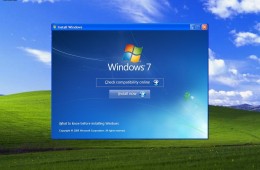
If you are planning to do a reinstall of Windows 7 , then this article might be of interest to you. If you didn’t know, Microsoft sells Windows 7 in both a Full...
For users who opened up Paint in Windows 7 and couldn't figure out how to adjust the size of brushes, erasers and more, fear not. Microsoft hasn't removed this ...
As we go further into 2011, the user base for Windows 7 will increase, at the same time, there will be users who still want, or need, to use legacy applications...
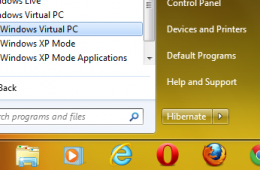
We know. You want to ask what we are thinking, downgrading from Windows 7 to Windows XP, but despite our desire to move forward there are still users and organi...
Today we are going to take a look at upgrading to Microsoft Office 2010. Upgrading to new versions of Microsoft Office is a fairly mundane task, but there are ...
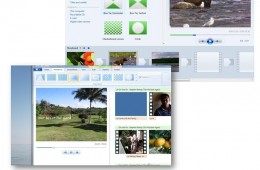
With release of Windows 7 Microsoft made some changes to the operating system. Programs that were once bundled such as Windows Movie Maker and Windows Mail are ...
It's been over a year since the release of Windows 7 and the market has spoken, Windows 7 is a hit! The migration is still in progress though, considering that ...
We recently explored how to fix many common network issues in Windows 7, and now we want to look at how to fix similar networking issues in Windows XP and Windo...
Windows 7 includes many advancements to networking that simplify communication, access to information and resources whether in the home or workplace. Of course,...
Making your operating system communicate with you can be a daunting task. Its something researchers have been working on for many decades now. Microsoft with Wi...
Is the default text size in Windows too small for you or an aging relative? If so, there are several easy ways to increase the font size across Windows and an e...
Microsoft has extended Windows XP downgrade rights throughout the life cycle of Windows 7. This announcement came as a result of the concerns of many busine...
The wealth of easily accessible information on the web means that most people immediately go online to find help with the computers. But what happens when you h...
Making your operating system communicate with you can be a daunting task. It's something researchers have been working on for many decades now. Microsoft might ...