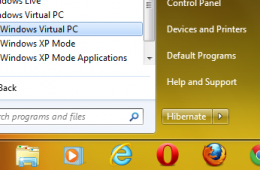
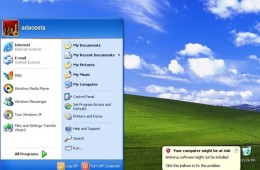
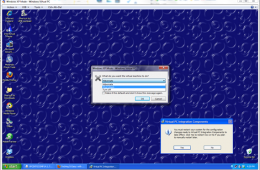
Over the past few years computers have gotten extremely powerful, which has made things once possible only on large server computers common on desktops and lapt...
As we go further into 2011, the user base for Windows 7 will increase, at the same time, there will be users who still want, or need, to use legacy applications...
If you use Windows Virtual PC with Windows XP Mode on any of the supported editions of Windows 7 (Professional, Enterprise, or Ultimate) you might realize that ...
Compatibility is always a sensitive issue when it comes to a new version of Windows. Microsoft takes it very seriously and considers it a hallmark of the Window...
If you have decided to upgrade to Windows 7, you have one other thing to to do, choose an edition. This will depend on a number of factors, whether you are doing a clean install, upgrading from a previous version of Windows, or you have multiple PC's in your home. Microsoft has made choosing an edition of Windows 7 a little easier in comparison to Windows Vista. Instead of 6 editions, you will now see 3 editions in mainstream markets. Cost is also a factor and users need to evaluate their needs.