Previously, we took a look at how to do a System Restore if you are unable to boot to the Windows desktop. In this article, we show you show you can use System ...
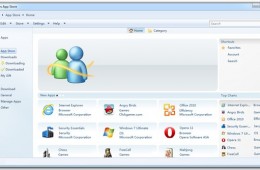
It looks like in addition to the recently launched Apple Mac App Store for OS X users and the Intel App Up app store for Windows users, Microsoft may be looking...
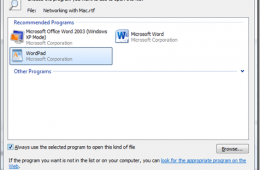
When you install Windows 7 or get a new PC with Windows 7 installed, by default, there are programs setup to do certain things. Whether it's editing text, viewi...
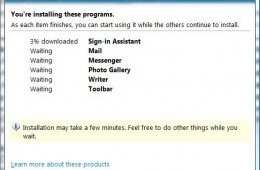
Windows Live Essentials is a collection of tools for Windows that make it easy to keep in touch with friends, edit and organize photos, edit movies and send ema...
Windows 7 is officially out which means it's time to think about upgrading. Unfortunately upgrading from Windows XP to Windows 7 is made difficult by that fact that, by default, Microsoft has not provided a way to do an in place upgrade. Normally this would mean that you would need to wipe your hard drive clean and start from scratch but a program called PCMover from LapLink makes upgrading from Windows XP to Windows 7 as easy as any other upgrade.