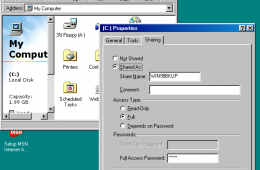
Yes, you read right, we're going to show you how to network Windows 7 and Windows 98. Now, some people might be wondering if we have ran out of ideas or experie...
It's been over a year since the release of Windows 7 and the market has spoken, Windows 7 is a hit! The migration is still in progress though, considering that ...
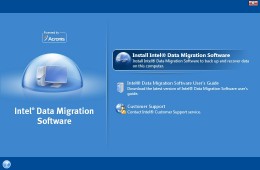
If you want to move all of your data from one hard drive to another the easiest way is to clone your hard drive, and now individuals who purchase an Intel SSD w...
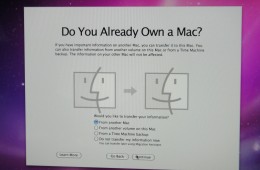
If you've recently purchased a new Mac, you may be wondering how to migrate all of your information from your old Mac to your new one. All you really need is a ...
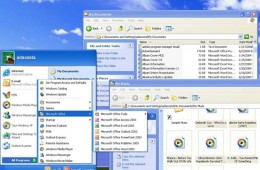
We continue our look at moving from previous versions of Windows to Windows 7. Yep, there are many Windows XP users out there who continue to enjoy it. But they are hearing about Windows 7 a lot lately and all the really cool new features it offers, from desktop improvements to how you do things easier like networking, organization of files and better performance.
So far we have looked at two ways of installing Windows 7 on your PC – Clean/Custom Install or In-Place Upgrading. Many persons will be buying Windows 7 on a new PC when its released and would like to get their personal data from an old PC to the new PC running Windows 7. Windows 7 offers an easy, convenient way to make the move with the built in Windows Easy Transfer utility. As you can see in the screenshot below, I have a lot of files on my old PC running Windows 7, and I would like to get those files over safely over to my new computer also running Windows 7.
This October Windows 7 will be released to the public and unlike past upgrades most users, including those who are using Windows XP, won't be able to upgrade to Windows 7 without backing up data to an external hard drive and reformatting their computer. For novice computer users this can be a tricky process but thanks to PCmover, upgrading from Windows XP to Windows 7 is simple.