Installing a new operating system over the old one can create problems with stability. Apple disregarded these concerns with the release of Mac OS X 10.7 Lion b...
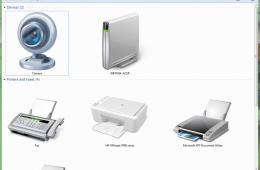
Hardware is an essential part of using your Windows PC. These days, adding new hardware can be as simple as plugging in a mouse to hooking up multiple displays,...
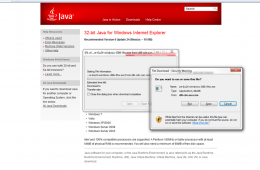
Many desktop and web applications are built on top of the JAVA Virtual Machine which is a platform for writing special programs that are cross platform aware. M...
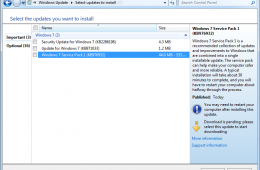
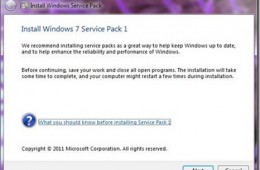
The first major maintenance update for Windows 7, Service Pack 1 is now ready for download. Microsoft released the first beta back in June 2010 followed by a Re...
Installing a Service Pack is nothing new, but there are some pre-requisites users should take into account to ensure a smooth installation. I installed Service ...
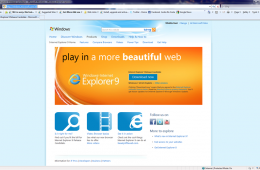
Here is a quick look at how to install the Internet Explorer 9 RC. Please note that Internet Explorer 9 Release Candidate is pre-release software. Although this...
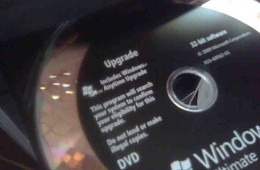
If you are planning to do a reinstall of Windows 7 , then this article might be of interest to you. If you didn’t know, Microsoft sells Windows 7 in both a Full...
Today we are going to take a look at upgrading to Microsoft Office 2010. Upgrading to new versions of Microsoft Office is a fairly mundane task, but there are ...
When software comes on a CD or DVD and you want to install it on a MacBook Air, you can’t just pop open the disc drive or slide a disc into a slot, like you wo...
iTunes is the popular music management tool developed by Apple for listening, managing audio files and other types of media such as Apps, Videos, TV Shows, Movi...
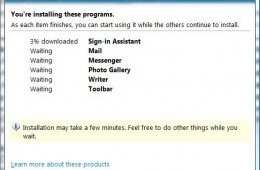
Windows Live Essentials is a collection of tools for Windows that make it easy to keep in touch with friends, edit and organize photos, edit movies and send ema...
If you have a notebook computer without an optical drive and want to install Windows onto it, you have a challenge. But it is not impossible and with the right ...
If you have recently installed Windows 7 on your computer, or any other fresh install of Windows, then you surely realize how long it takes to install all the o...
Its been over a month since the general availability of Windows 7 world wide. Since then there have been numerous experiences shared about upgrading to the new ...
For the past month Andre, one of our knowledgeable bloggers, has been working to introduce readers to Windows y. His very detailed and easy to follow guides cover everything from choosing what version of Windows 7 fits your needs to a Guided tour of the new operating system. This post brings all of his guides to one central location so that you can learn how to do practically anything in Windows 7.
We continue our look at moving from previous versions of Windows to Windows 7. Yep, there are many Windows XP users out there who continue to enjoy it. But they are hearing about Windows 7 a lot lately and all the really cool new features it offers, from desktop improvements to how you do things easier like networking, organization of files and better performance.