If you like to start your day by looking at more than one webpage, you can set up Internet Explorer to open several pages when you launch your browser. I use th...
If you would like to make text larger or smaller on-screen for better visibility or because of a visual impairment, this article will show you how to change fon...
If your computer is not performing as fast as it should be, you can do some quick fixes to speed things up a bit. One of them is turning off the Windows Aero th...
A number of people have told me they are interested in giving Windows XP the boot, but at the same time, they are afraid of letting go of some of Windows XP’s f...
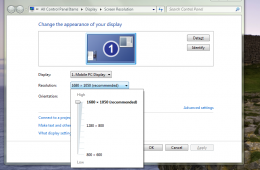
Depending on what type of graphics solution you have installed in your computer, you are able to adjust the look of your display settings or what is called your...
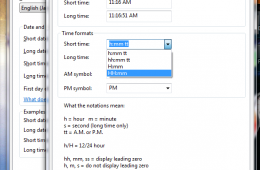
Depending on your region, work environment or personal preference you might want to setup Windows to display the clock in military time, which uses the 24 hour...
If you are running running premium business editions of Windows 7 such as Windows 7 Professional or Enterprise, you might be missing the standard collection of ...
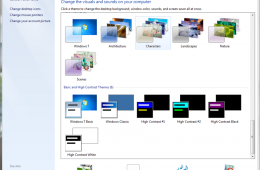
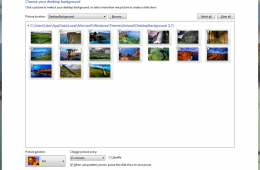
If you want to make Windows a bit more personal, you can customize and change wallpaper in Windows 7 themes in order to change how Windows 7 looks and give it a...
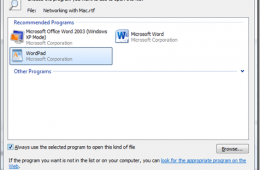
When you install Windows 7 or get a new PC with Windows 7 installed, by default, there are programs setup to do certain things. Whether it's editing text, viewi...
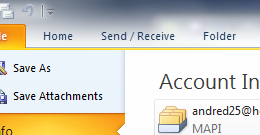
A signature is a distinctive way of signing your name and an email signature can be a distinctive way of ending your emails witht he information the recipient n...
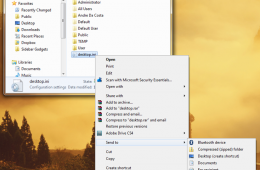
The Send To action in Windows is one of the fastest ways to take a file and and send it to a recipient or program. If you can't get by with the default Send To ...
Personalization is a major focus of Windows 7, the aim is to make your Windows experience more unique, interesting and culturally aware through a variety of med...
Sometimes you can be in a awkward situation and you need to use your computer. Whether it’s a meeting, conference or your bed room with your significant other. ...
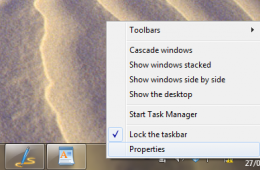
By default, the Windows 7 Taskbar is situated at the bottom of the screen, but if you would prefer to have it at the side or the top of the screen, you can do t...
Windows 7 is a pretty flexible operating system and I am not just talking about the 6 editions of the operating system that are available with various features ...
I read/watched an interesting blog entry by Ben Rudolf of the Windows Team Blog about an option customers have at the Microsoft Store to have their PC's customi...
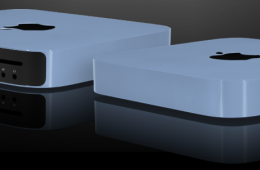
Colorware recently added the new Apple Mac Mini to their assortment of customizable electronics. Available in 46 different colors, or a unique color of your cho...
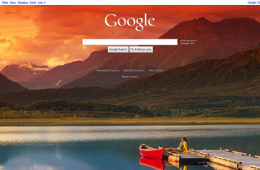
Taking a cue from Bing, Google has just made what might seem like a minor change to their basic search page. When you think about it, the change is actually a s...
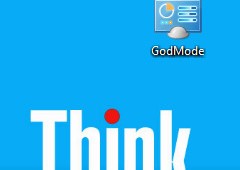
Sick of hunting all over the control panel and in the settings of individual Windows programs to find the setting you are looking to change? That's soon to be a...
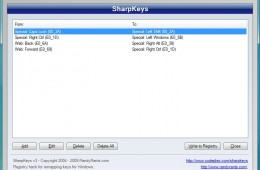
For some reason computer manufacturers are still putting keys in odd locations that either don't make sense or are just different from what we are used to. As s...