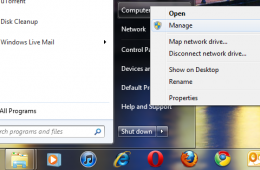
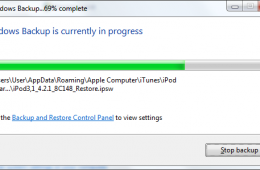
One of the great things about Backups in Windows 7 is the VHD or Virtual Hard Disk feature. When you create a System Image of your Windows 7 installation, it ac...
In a previous Notebooks.com article we looked at using System Imaging as handy way to backup our entire computer. The benefits being, you are able to keep a saf...
Now that you have upgraded to Windows 7, you will need to create a backup of your installation. One of the major reasons why I recommend you do this immediately after installation is to avoid some of the chores associated with reinstalling Windows 7. For instance, if your computer crashes or becomes unstable and you need to reinstall Windows, you will have to do a couple of extra steps if you purchased the Upgrade version of Windows 7.