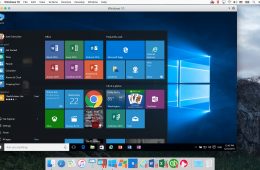
Parallels helps Mac users run virtual machines with other operating systems like Windows, Linux and even a test version of macOS or OS X on their Mac or MacBook...
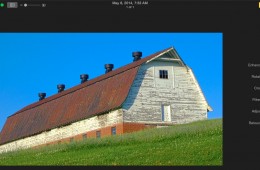
Apple recently released a beta version Photos, the replacement for iPhoto and Aperture. The app brings with it a deceptively advanced feature set that's hidden ...
One of the most useful features of the Moto X, and now other Android phones capable of running the latest version of Google Now, is the ability to do searches a...
MacPhun software broke away from its whimsical name to enter the serious photo editing realm producing an awesome plugin or stand alone photo tuner called Inten...
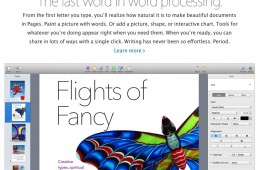
In their attempt to make the iWork apps Pages, Numbers and Keynote interoperable between OS X, iOS 7 and the new iCloud online version, Apple stripped out dozen...
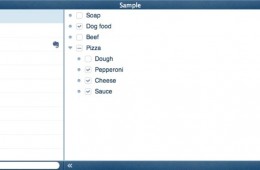
Cloud Outliner, which brings simple outlining to an iPad or iPhone, now it works on the Mac as well. The app organizes a user's thoughts, helps with typing note...
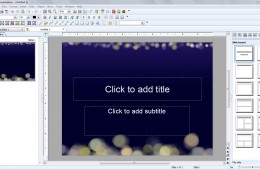
For people who don't want to use Microsoft Office or can't afford it, a possible alternative comes in the form of Softmaker Office 2012. The standard version co...
Dragon NaturallySpeaking 12 brings an updated speech recognition engine, new webmail integration and better Bluetooth microphone compatibility to voice dictatio...
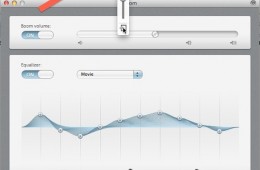
For Mac users not satisfied with the output level of their Mac speakers, Boom comes to the rescue to boost the system's overall volume. The inexpensive utility ...
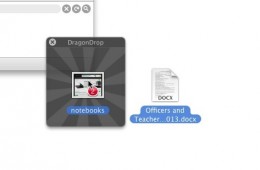
DragonDrop helps Mac users move their files around in finder with a creative tool that sits in your Menu Bar and activates when you need it. It acts like a temp...
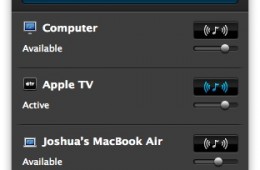
If you have an Apple TV, you've no doubt used it to stream audio, like Pandora, to your home theater, but there is no Apple provided way to stream music from yo...
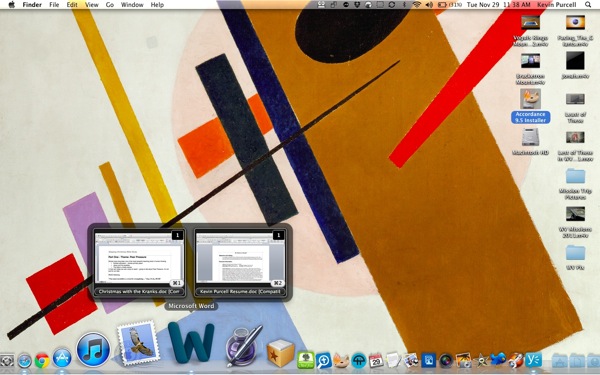
For those of us jumping from Windows to a Mac, one feature I miss from Windows 7 is the live previews that the OS shows you as you hover over the taskbar icons....
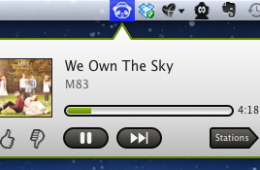
If you use Pandora on a regular basis, you need to download PandaBar right now. PandaBar is a Mac App that brings Pandora to your Mac menu bar, but it doesn'...
CrashPlan is an interesting online backup tool that delivers a trio of backup options to keep your data safe. Best of all, two of these options are completely f...
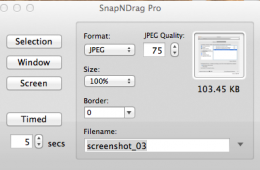
For software trainers, reviewers, teachers or anyone else who takes screenshots on a Mac, the built-in Preview tool is upstaged by a simple new utility in the M...
Reeder for Mac (spelled with ee instead of ea) is a $10 front end app that connects to your Google Reader account, delivering a more elegant interface, better s...
If you ever want to know which graphics card your Apple MacBook Pro is using, then gfxcardstatus is the perfect utility. The MacBook Pro has what is called swit...
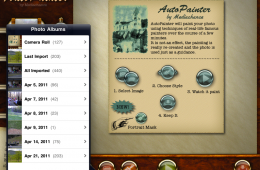
AutoPainter HD is a photography app for the iPad. It uses the pictures you have on your iPad or that you take with your iPad 2 and transforms them into what loo...
Dragon Dictate 2.0 for Mac from Nuance is a speech recognition program that allows the user to enter text using a microphone instead of a keyboard. I first at...
For creating, viewing or editing documents on the iPad, we recommend dumping iWork apps like Pages and Numbers and give Documents To Go Premium a try. It is sim...