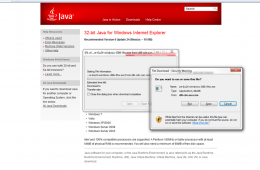
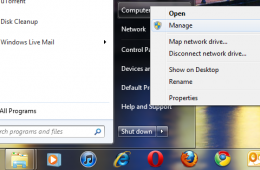
If you have recently upgraded to or want to upgrade to Microsoft’s latest web browser, Windows Internet Explorer 9 and you are experiencing some technical diffi...
In this article we take a look at how to remove programs that are difficult to remove. Because of the complexity and interaction between programs and Windows, t...
An IP Address (IP stands for Internet Protocol) is a unique address which identifies your computer on a network. Whether it’s a home network, a business network...
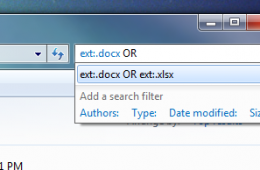
Have you ever wanted to search for more than one specific file at the same time based on the file extension? For example, Word Documents and Excel Spreadsheets ...
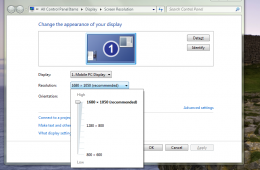
Depending on what type of graphics solution you have installed in your computer, you are able to adjust the look of your display settings or what is called your...
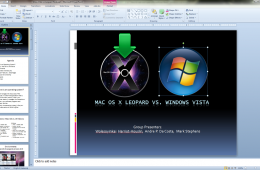
You probably receive this often by email, a funny PowerPoint Show which automatically starts when you double click the file icon. A PowerPoint show doesn’t requ...
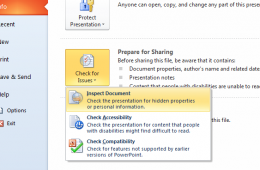
If you plan on sharing your PowerPoint Slideshows, its best to leave out your added notes that you wrote while constructing the presentation since there might b...
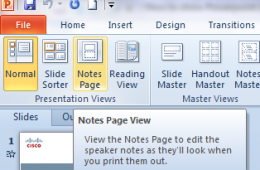
When constructing a PowerPoint presentation you might want to create notes to help you discuss in detail key points of the presentation. You can do this in the ...
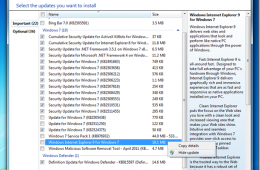
Microsoft announced earlier this month that they would be accelerating Internet Explorer 9 adoption by automatically pushing it through Windows Update. A lot of...
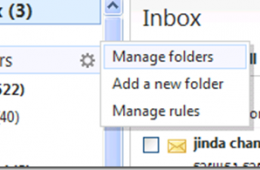
Useing folders in Windows Live Hotmail is a great way to help organize and manage email, in fact, it’s a great way to filter messages for relevance since you c...
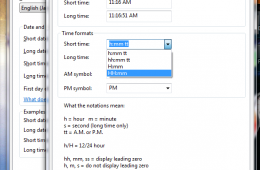
Depending on your region, work environment or personal preference you might want to setup Windows to display the clock in military time, which uses the 24 hour...
One of the benefits of digital cameras is the ability to instantly see what you have captured, another key benefit is ease with which it makes sharing those mem...
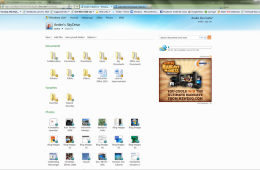
We live in a connected world and we always want access to our most important information, anytime, anywhere. The buzz word lately is the cloud, which is a way o...
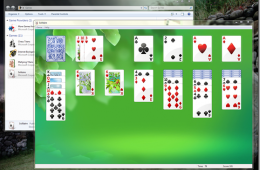
If you are running running premium business editions of Windows 7 such as Windows 7 Professional or Enterprise, you might be missing the standard collection of ...
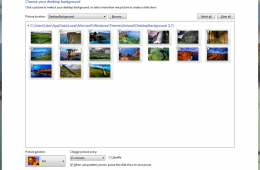
If you want to make Windows a bit more personal, you can customize and change wallpaper in Windows 7 themes in order to change how Windows 7 looks and give it a...
Have you ever taken a group picture and later found out one person wasn't looking? Don't you wish you could fix this on your computer without being an expert? W...
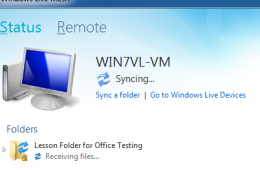
There are many solutions out there for synchronizing data between multiple computers, I personally use Dropbox, but I want to look at another free solution that...
Many desktop and web applications are built on top of the JAVA Virtual Machine which is a platform for writing special programs that are cross platform aware. M...
Internet Explorer 9 has been released, this IE 9 Review will let you know what's new and how Internet Explorer 9 compares to Chrome and Firefox. Last August ...
One of the great things about Backups in Windows 7 is the VHD or Virtual Hard Disk feature. When you create a System Image of your Windows 7 installation, it ac...