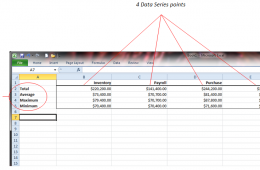
Charts help people process data, and Microsoft Excel can build a variety of charts with your data. Bar charts, area, column, and pie charts commonly get used to...
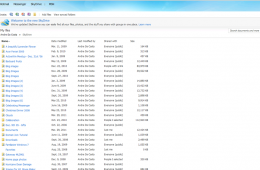
Microsoft announced an update to Skydrive, the company's cloud storage service that lets you store 25GB of documents, photos and even music for free. Although s...
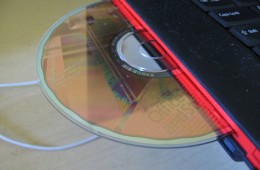
Owning a computer means you probably invested in commercial programs from major vendors. Just like backing up your computer and its operating system, it's also ...
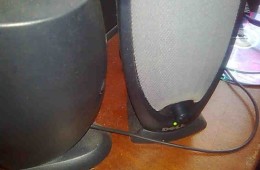
Sound is an important part of using your PC. We use our notebooks to listen to music, listen to the audio in a movie, while we chat with friends and to listen t...
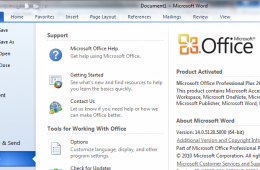
Microsoft has released the first Service Pack maintenance update for its Office productivity suite, Office 2010. Service Pack 1 contains cumulative and public u...
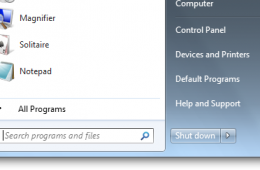
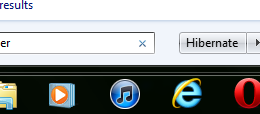
These days, shutting down your computer is a rarity. If you want to save power, but keep your computer ready to turn on, hibernation is an excellent option. I'l...
If you like to start your day by looking at more than one webpage, you can set up Internet Explorer to open several pages when you launch your browser. I use th...
If you would like to make text larger or smaller on-screen for better visibility or because of a visual impairment, this article will show you how to change fon...
Whenever you setup a new user account on your computer it is also a good time to ensure that you also create a password reset disk in case you have a sudden cas...
If your computer is not performing as fast as it should be, you can do some quick fixes to speed things up a bit. One of them is turning off the Windows Aero th...
Apple is expected to debut its next major release of Mac OS X, the Company’s flagship operating system for its Macintosh computer. Apple describes this release ...
Hardware is an essential part of using your Windows PC. These days, adding new hardware can be as simple as plugging in a mouse to hooking up multiple displays,...
If your system partition, where Windows, applications are installed, personal files and settings exist is beginning to fill up you have a number of options such...
Previously, we took a look at how to do a System Restore if you are unable to boot to the Windows desktop. In this article, we show you show you can use System ...
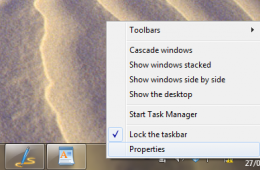
Once in a while, your computer might nor close a program, resulting in the window of the program freezing (or not responding to any mouse action). In some insta...
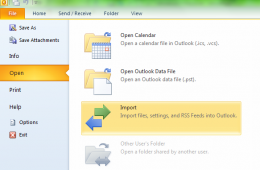
If you use Microsoft Outlook to manage your life, not having access to it can seem like hitting a dead end. That’s why it's recommended you backup your Outlook ...
A number of people have told me they are interested in giving Windows XP the boot, but at the same time, they are afraid of letting go of some of Windows XP’s f...
When you start your computer it does a lot of things before you start seeing Windows 7, or whatever your primary operating system is. The first program it start...
If Windows Security is warning you that it is turned off, but you know it is on, you need to take action to fix this annoying error. We will show you how to fix...
Whenever you install programs they tend to add a program to your Startup folder, which allows the program to start immediately when Windows starts. This can gre...