If you would like to automatically log into Windows 7, you can have the operating system do so. There is a potential security risk, I strongly would not recommend you do this on a laptop, public or shared computer. If it’s a stationary computer that is in your home office or study, then the risk are much lower. Of course, if someone breaks into your home, its gonna be a piece of cake for that person to break into your computer too.
Anyway, lets take a look at how to setup Windows to log in automatically:

Click Start, then type: remove netplwiz into the box.

Hit Enter on your keyboard.
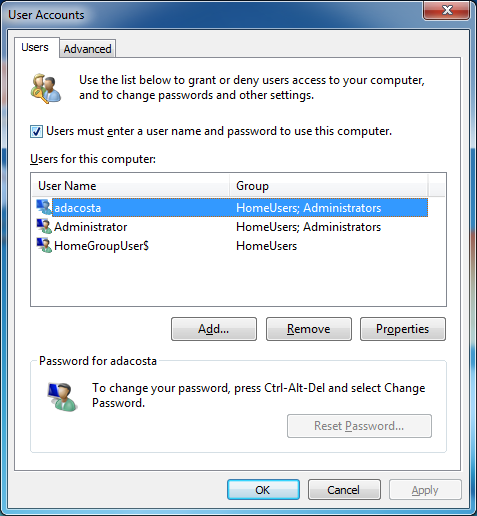
On the User Accounts window, select your account name then uncheck the box Users must enter a user name and password to use this computer. Then click Apply.
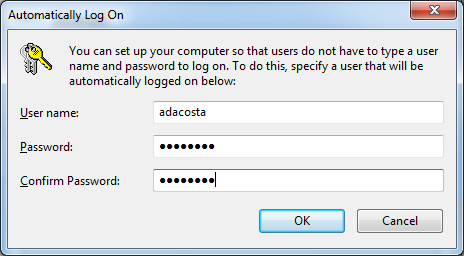
Enter your password and confirm it then click OK.
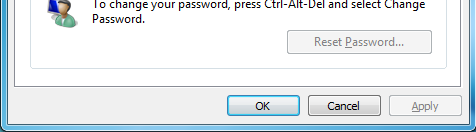
Click OK.
You will now be able to log into your computer automatically.
Related Posts
-
Microsoft’s Windows operating systems let users do a lot of things. Every day, machines loaded…
-

Even though Windows 10 has made upgrading Windows easier than ever, sometimes you still need…
-
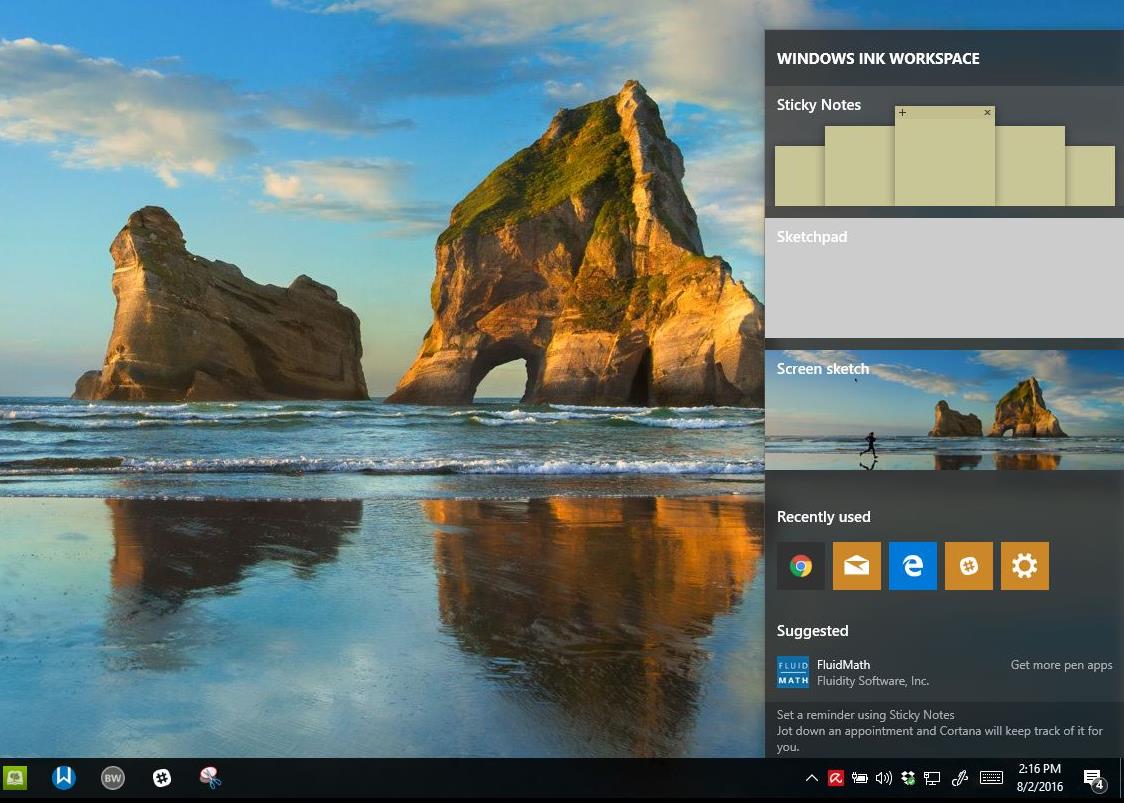
On August 2, 2016 the Windows 10 Anniversary Update came out with some cool new features…