For the past few months I have had incredible back pain that has led to many trips to the chiropractor. Even after adjustments the pain would return by the end of the next day as I slowly hunched closer to my computer. The pain lessened when I stood and worked at a countertop so I decided to create a standup desk with materials we had lying around the office.
Read: Best Standing Desks in 2019
Apparently I’m not alone in my desire to stand as a recent study by Ergotron, an ergonomic office furniture maker, found two out of three office workers want to be able to sit or stand. This second revision of my DIY standup desk doesn’t offer the ability to sit at the same location, but I’ll share more on that shortly. Xavier also chronicled a the pain of a Geek’s lifestyle over at GottaBeMobile, sharing his steps to fix bad habits and work conditions that lead to pain.
The key part of this setup was to place the monitors at the correct height as well as the mouse and keyboard. This meant that my elbows formed a 90 degree angle and my eyes were aligned with the top third of the screen.
The base is made out of a large collection of old yearbooks that were in a closet, an old organizer made of MDF and the workspace is composed of two leftover pieces of shelving from a closet. Those of you who spent any time in higher ed will likely recognize the dorm room white walls which may tip you off to the fact that the office for my dayjob is in fact an old dorm room.
Here’s a closer look at the yearbooks. In the first version I relied on another old shelf to elevate the keyboard and mouse but it wasn’t the right height. After finding a collection of old yearbooks I was able to get just the right height.
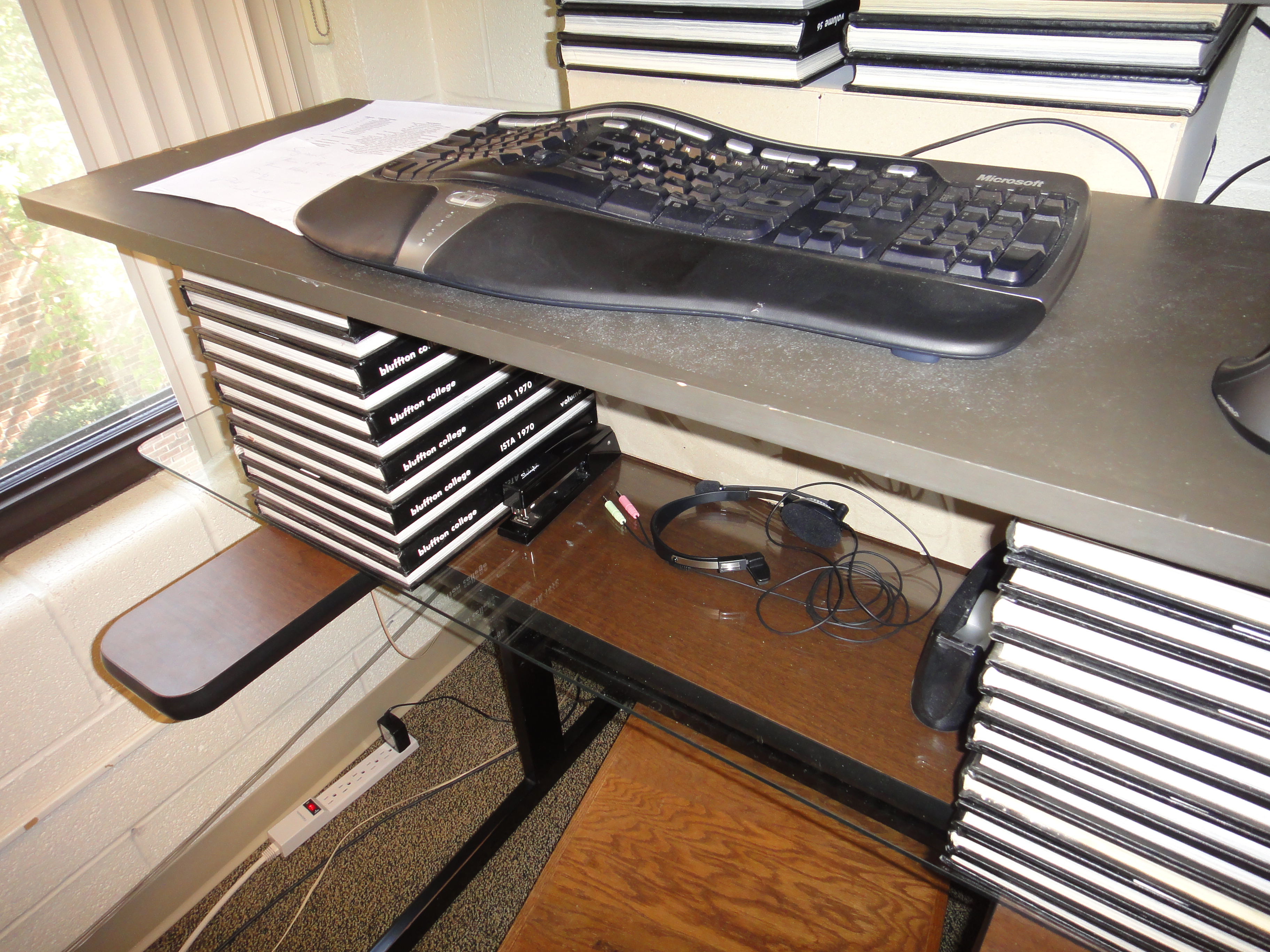
You can also see my footrest below the desk that allows me to vary my posture instead of standing in one position all day.
The biggest downside is that I don’t have an easy way to sit at this setup to further mix up my position during the day. I have a desk situated to the right and enough slack to move one monitor over but that’s a bit of a hassle for a 15 minute sitting spell. I may look into a drafting chair as a means of sitting at this desk in the future. With as little as I plan to sit I wish I could find a very tall SUMO chair, but I won’t hold my breath.
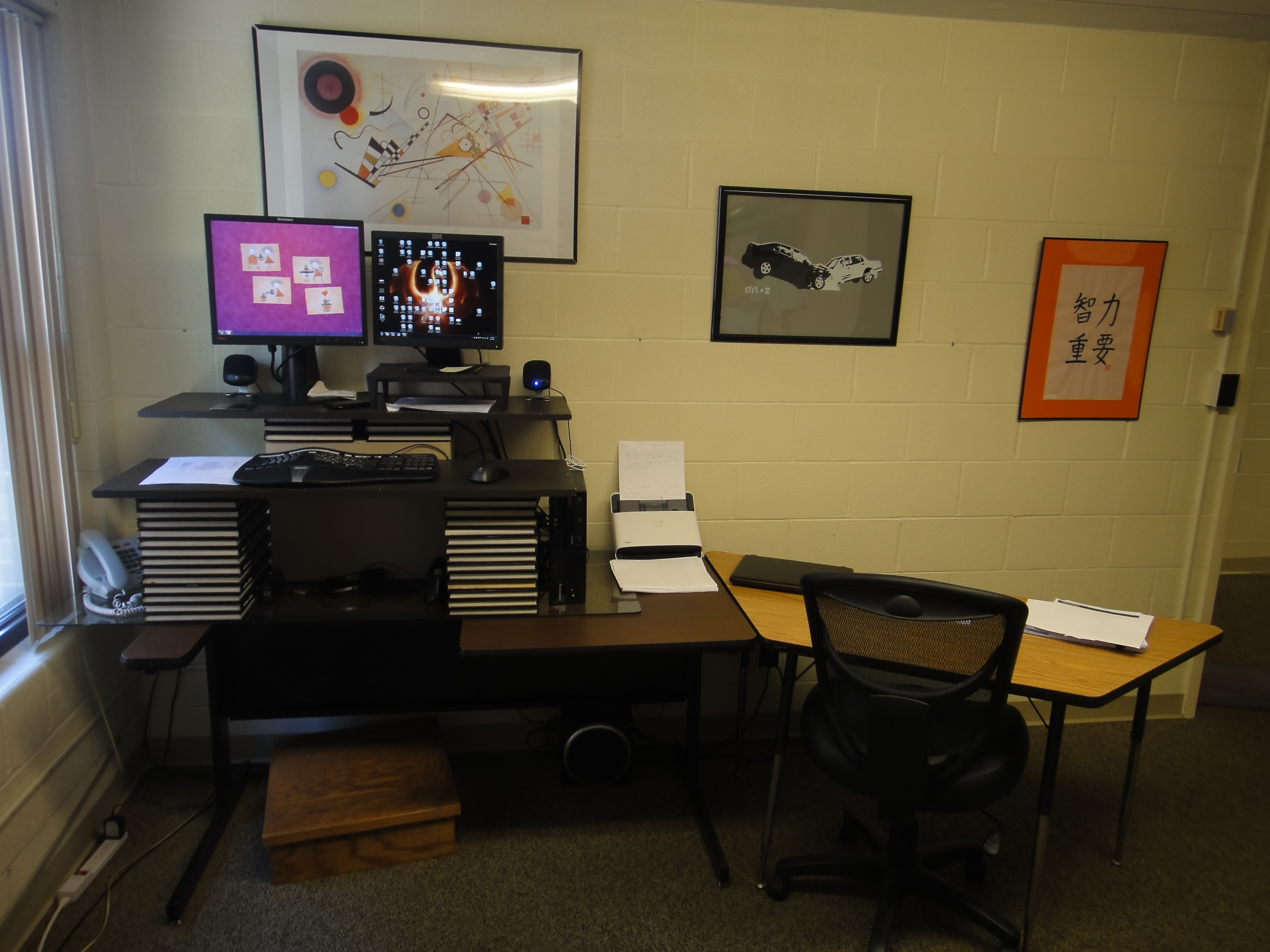
For now this is where I stand for about 7 hours a day while I work. I still have some back pain and my legs are adjusting to being on my feet all day but for the most part it is a big improvement over sitting.
Goes to show that with a little ingenuity and an eye for found materials you don’t have to spend a fortune for an ergonomic workspace.
Soon we will be reviewing a sit-stand workstation from Ergotron, the WorkFit-C which easily adjust from sitting to standing and is mobile. Xavier will be trying out the WorkFit-S which provides similar functionality attached to a desk. You can see the demo of the new WorkFit-S model below and if you like it enter for a chance to win a WorkFit-S today from Ergotron.
Related Posts
-
Trying to find a desk that's right for you and your laptop? We've put together…
-
Today, Apple updated its most portable MacBook ever with a spec bump and a press…
-
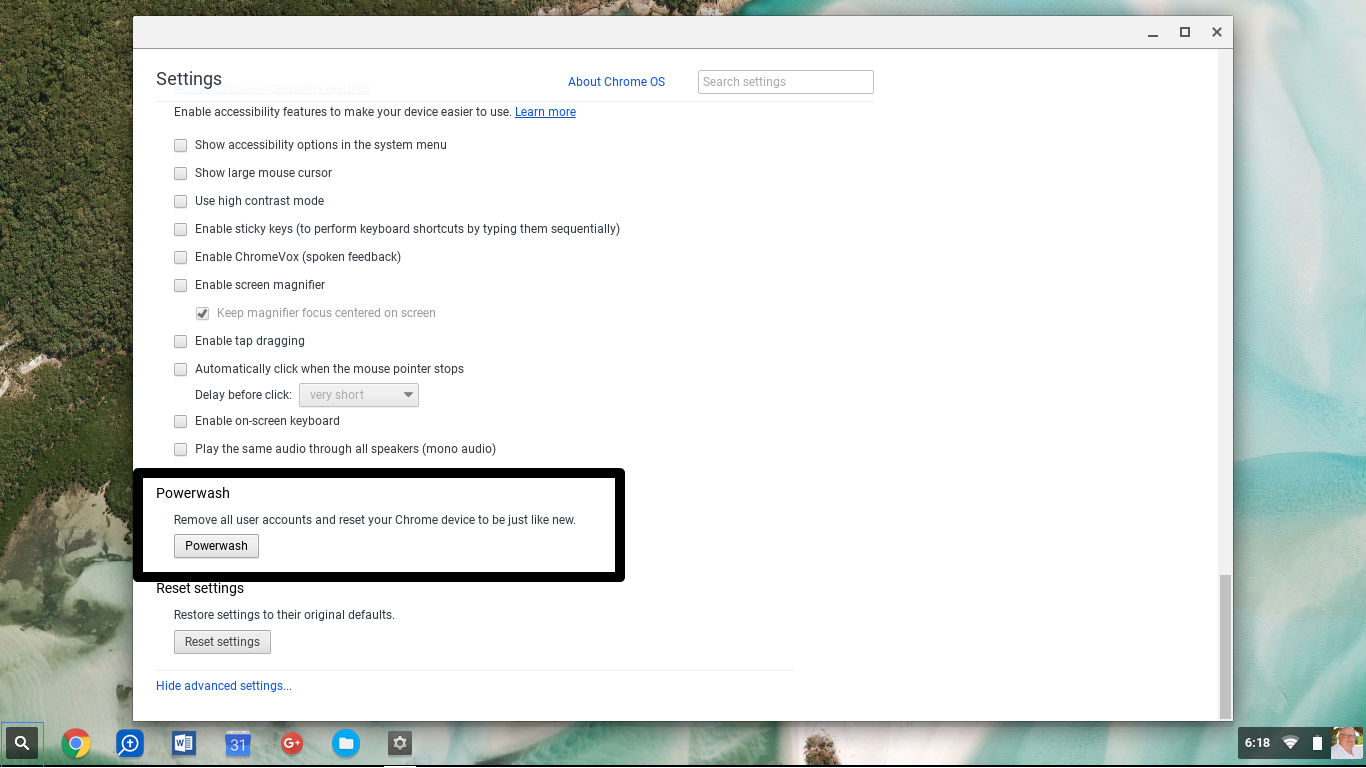
The process of erasing a computer and reinstalling the operating system and software can take…