The recently released iPhone 4 takes pretty awesome HD video for a device so small, however, Apple hasn’t yet provided a good way to get HD quality video directly from the device to somewhere like Facebook or YouTube (you can’t even do it with the iMovie for iPhone app). This guide will show you how to get your HD video from your iPhone onto your computer so that you can upload it in HD to Facebook, YouTube, and more.
- Plug your iPhone 4 into your computer.
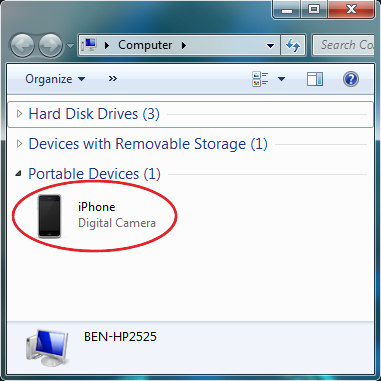
- Click on the Start button and go to Computer.
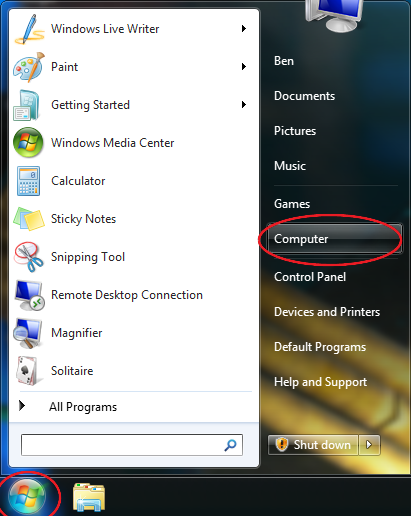
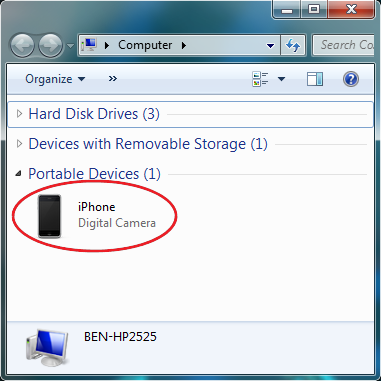
- A new window will open and your iPhone should be listed. Double-click to open it.
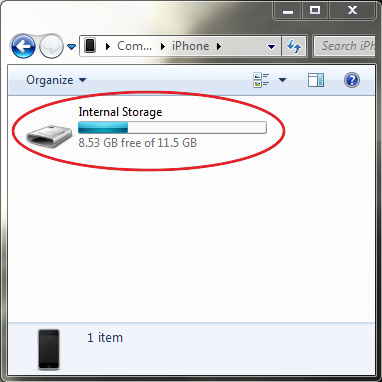
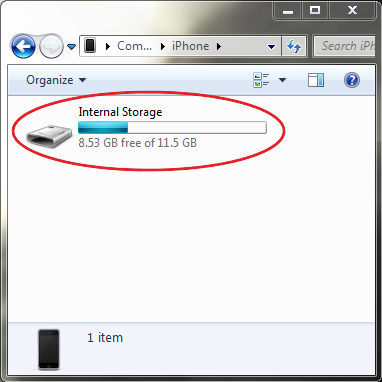
- Double-click on Internal Storage to open the iPhone’s memory.
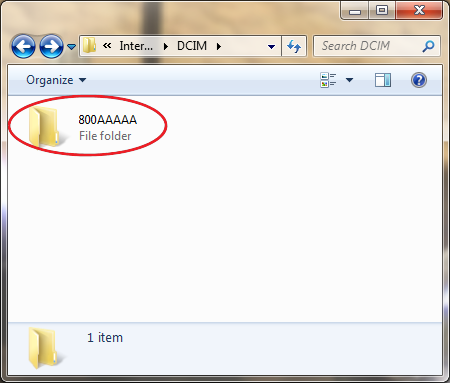
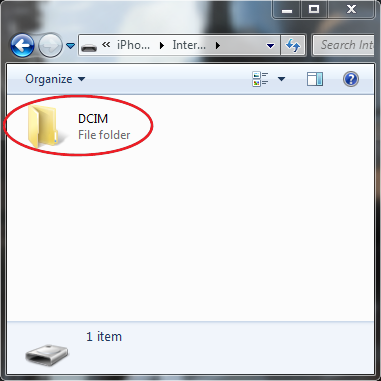
- Find the DCIM folder and double-click to browse photos and videos on your iPhone.
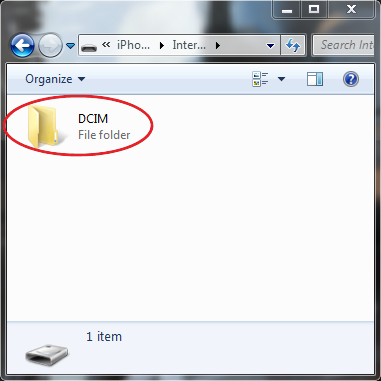
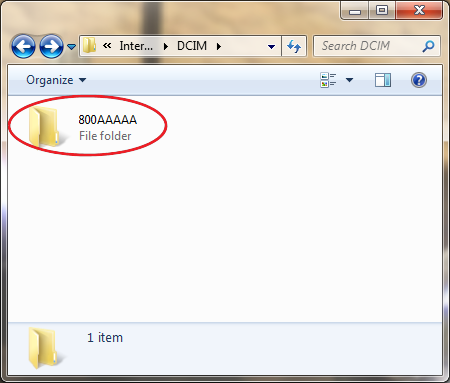
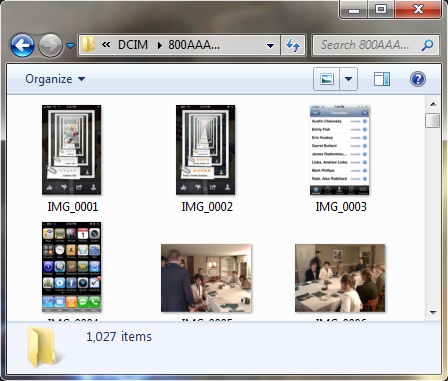
- Double-click on the subsequent folder, and the next thing you should see is your photos and videos.
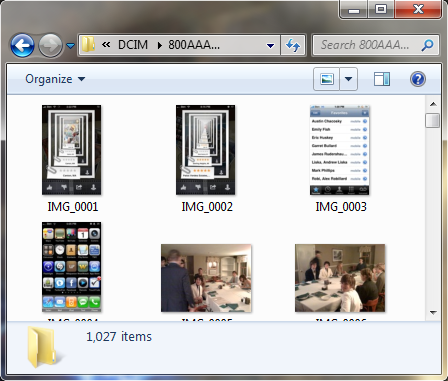
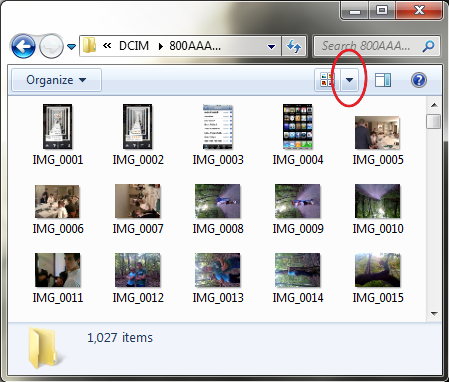
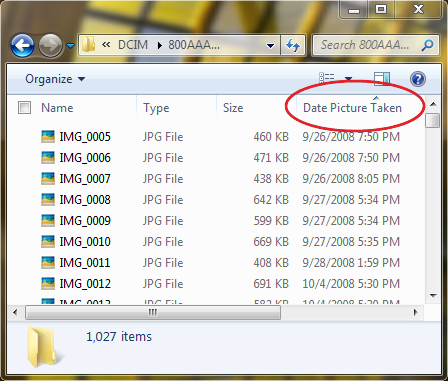
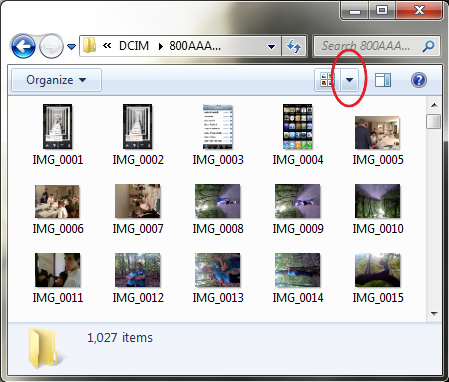
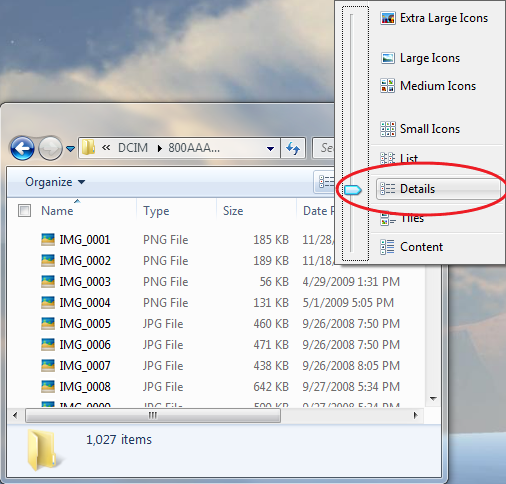
- If your video was taken recently, click the More Options arrow, and click Details to view in detail view.
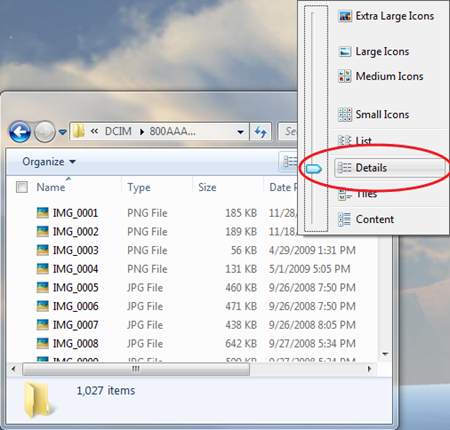
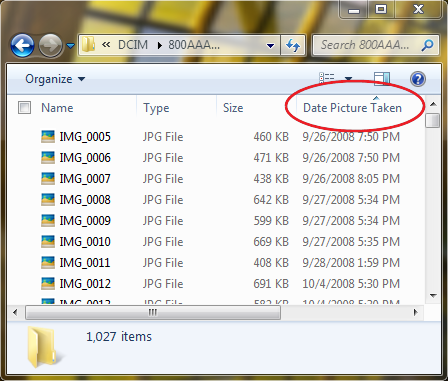
- At the top of the date column, click on Date Picture Taken to sort in ascending or descending order. This will put recent pictures or videos either at the very top or very bottom of the list.
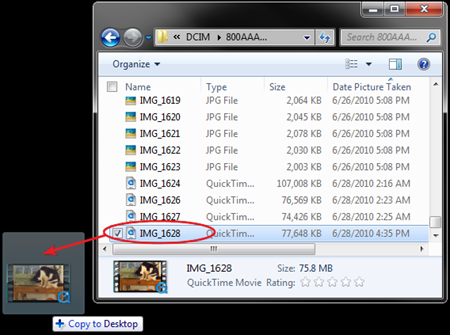
- Find the HD video that you want to get onto your computer, and drag it onto your desktop, or into another folder on your computer. Note: The video will not be deleted from your iPhone. A copy will be made when you drag it over to your computer.
From here, what you do with the video is up to you. You might choose to upload it to a service such as Facebook or YouTube (both support HD video). If you are going the YouTube route, be sure to check our YouTube video sharing guide.
Related Posts
-

Apple is issuing a recall for its wall plug adapters, after a limited number of…
-
Today, Apple updated its most portable MacBook ever with a spec bump and a press…
-

If you've purchased one of Apple's 12-inch Retina MacBooks, take heed: your power cable could…