Entering text into an iPad is as simple as tapping the location into which you want to enter something and then typing on the keyboard that slides up from the bottom of the screen. However, doing it is far from simple. I have been using my iPhone for so long I have gotten used to the keyboard, but typing with a finger and touch typing are two very different things.
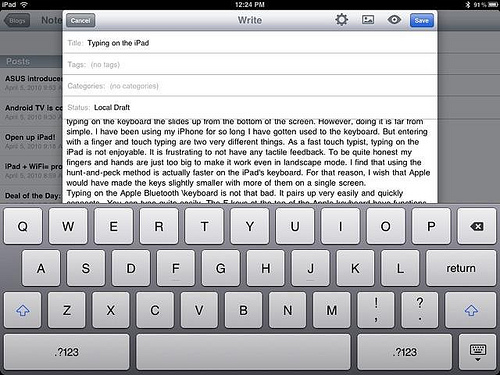
As a fast touch typist, typing on the iPad is not enjoyable. It is frustrating to not have any tactile feedback; and to be quite honest my fingers and hands are just too big to make it work even in landscape mode. I find that using the hunt-and-peck method is actually faster on the iPad’s keyboard. For that reason, I wish that Apple would have made the keys slightly smaller with more of them on a single screen. As it is you have to hit the number key to get the numbers and most symbols to show up. Since I cannot type fast, it would be quicker to have most numbers and basic symbols on the same screen and only the most arcane symbols on the secondary keyboard screen.
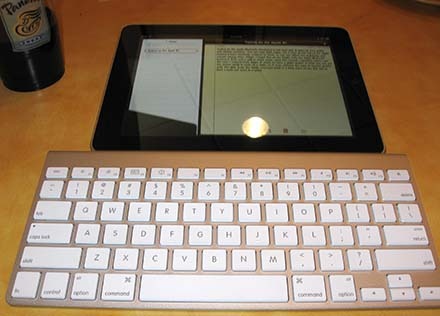 The way to overcome this is to pair the iPad with a Bluetooth keyboard. Today I picked up one of Apple’s keyboards at Best Buy for $69.99. That made me pause; that’s a lot of money for a keyboard you will only pull out on occasion — but it was worth it.
Typing on the Apple Bluetooth Keyboard is not bad. It quickly connects and pairs up. You can type quite easily. The F keys at the top of the keyboard have functions assigned to them, so you can adjust the brightness and volume among other things from your new keyboard.
I typed much of this article on my iPad with the Apple Bluetooth Keyboard. Data entry is much easier. I had the iPad resting on some napkins on a table at a coffee shop. The glare from the lights overhead made it a little hard to see. But not so much that I could not work in a pinch.
I’ve already ordered the iPad case from Apple, which has a slight incline, so that you can see the screen while it rests on a table for future typing; but as it was, without the case, it worked pretty well.
Related Posts
-
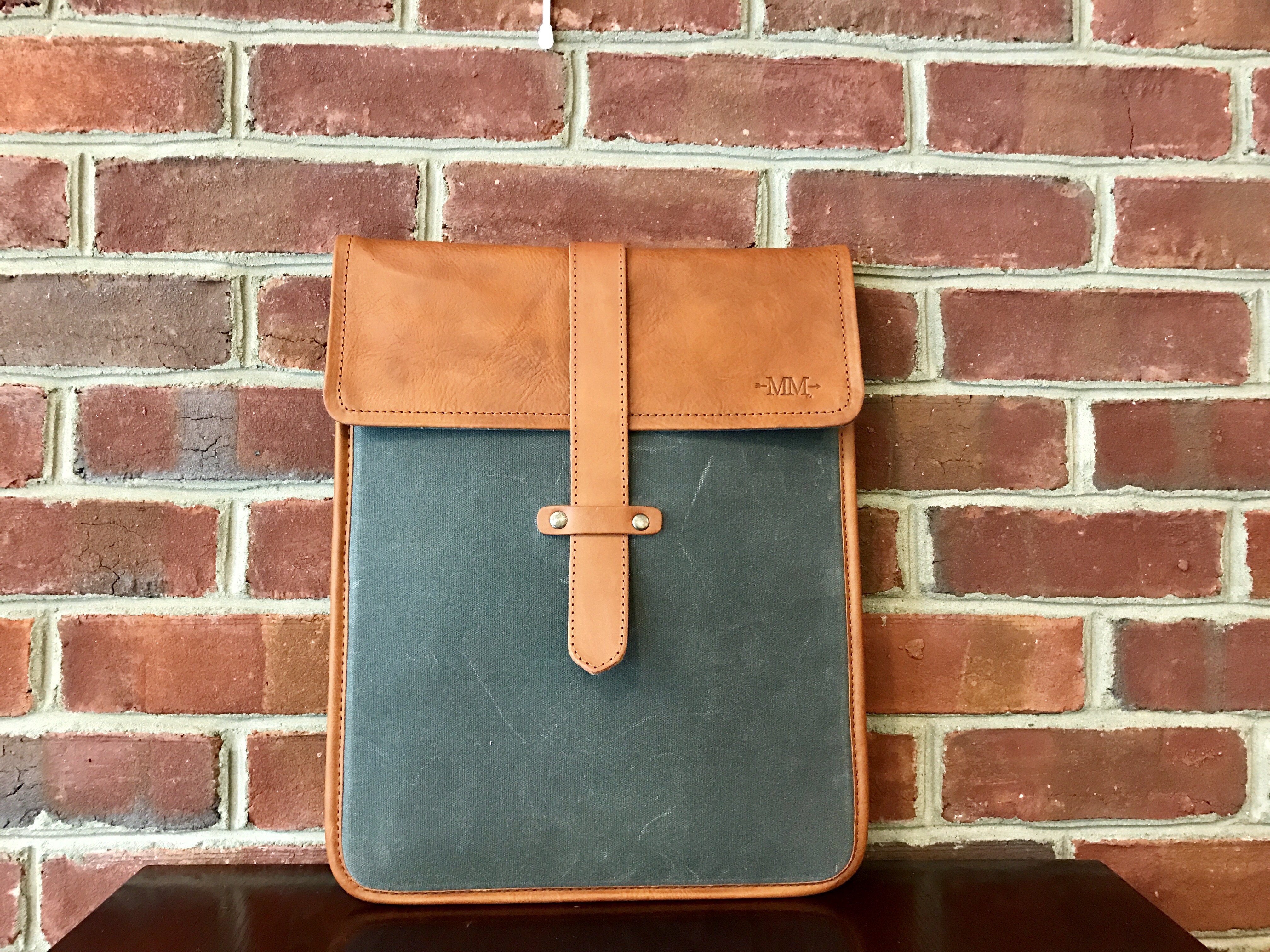
The Mission Mercantile Laptop Sleeve and Laptop Sleeve Vertical are a beautiful way to carry your…
-
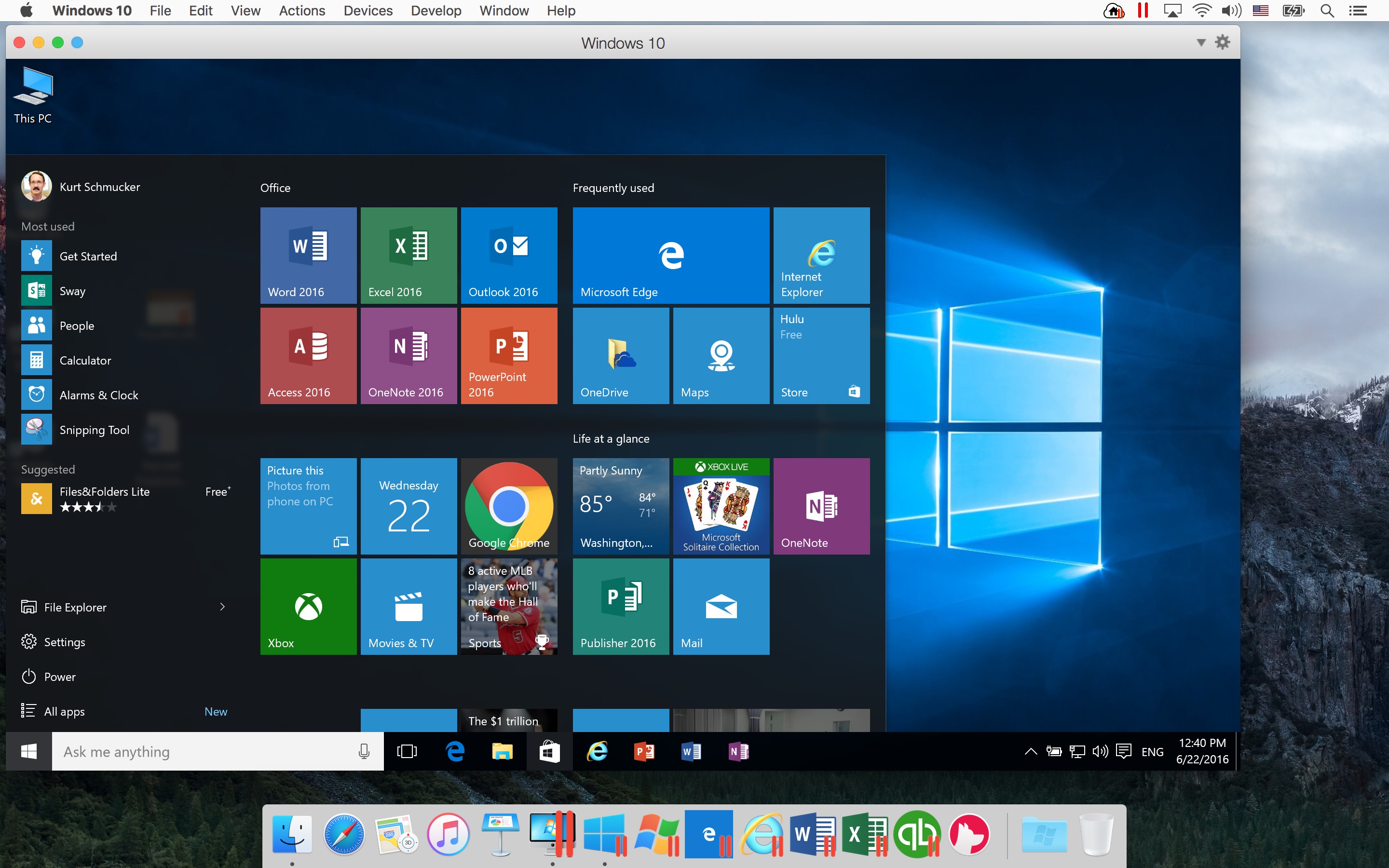
Parallels helps Mac users run virtual machines with other operating systems like Windows, Linux and…
-
Today, Apple updated its most portable MacBook ever with a spec bump and a press…