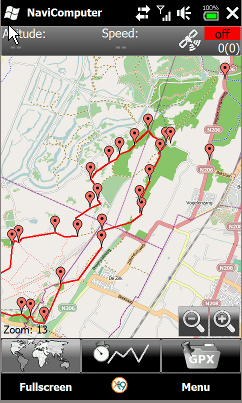
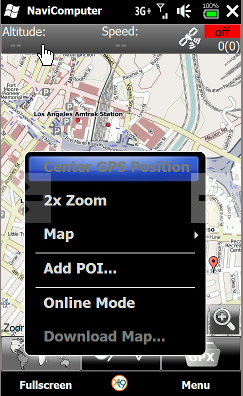
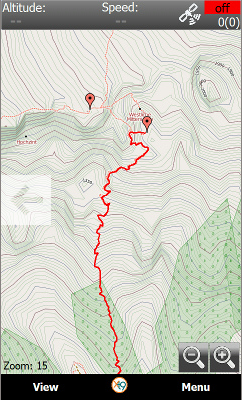
 NaviComputer, a GPS map and off-road navigation tracking application designed for windows mobile devices, has just released their latest version of the app, 0.92, for public download. What makes the NaviComputer application different from other GPS options is that it will let you view maps offline without need for internet connection or data plan; a very handy feature for going off-road or using without a monthly data plan.
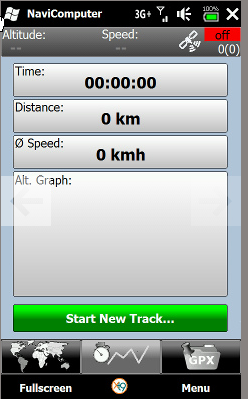
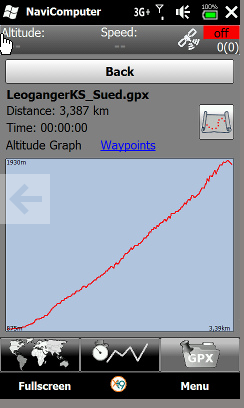
NaviComputer can also allow you to track your movement, display information such as distance traveled, elevation profile and speed.
Here are some notable features of NaviComputer
- Offline map navigation without internet connection / dataplan
- Finger friendly and fluid user interface
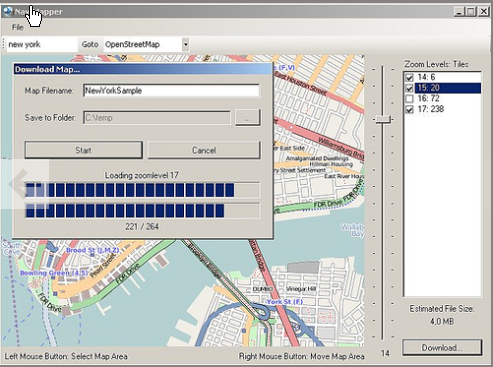
- Easy map download from online mapsources like OpenStreetMap
- Conform to the common gpx file format (import and export)
- Track recording with stats like distance, avg. speed and elevation profile
- Multilingual user interface (English, German, Spanish, French, Italian, Dutch)
- Can download zoom level maps
How to download: If you have internet connection on your Windows Mobile device you can download it directly to your device otherwise you can download it to your pc for installation. NaviComputer comes with two applications, NaviMapper and Navicomputer apps. NaviMapper is installed on your pc to download maps to your pc and Navicomputer resides on your mobile device to download maps through a data connection. Once the map is downloaded they can be transferred or stored on your PC or mobile device.
How to Install: After downloading the NaviComputer file to your PC. Execute the file marked as ‘Setup’. This will install the NaviMapper to your pc. If you have ActiveSync installed in your machine and its running and your device is connected, NaviComputer will be automatically installed in your device. Otherwise, you can install it manually from cab file in the NaviComputer program folder.
Please note that you should fulfill following requirements for NaviComputer:
PC:
Windows XP, Vista, Windows 7
.NET framework 3.5 or later
Device:
.NETcompactframework 3.5
Windows mobile 6.1 or 6.5 operating system
WVGA, VGA, QWVGA or QVGA Touch display
GPS receiver (internal or external)
NaviComputer is free to use and download. Please visit NaviComputer site for more information or to download NaviComputer. See our earlier tutorial on Windows mobile ‘How to track your lost / stolen phone free‘.
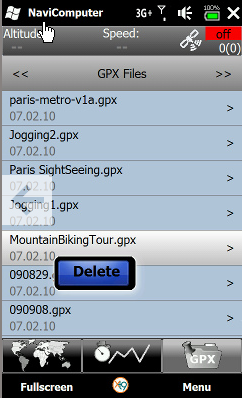
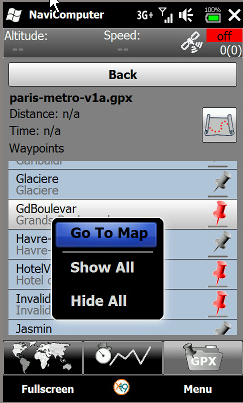
See some additional photos of Navicomputer application below.
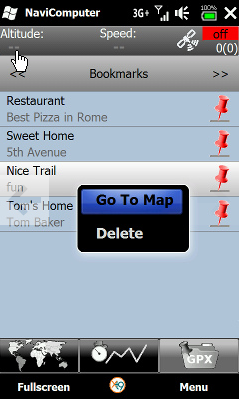
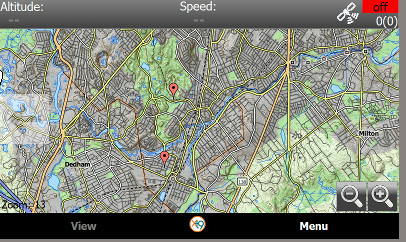
PhotoCredit: NaviComputer
Related Posts
-
Microsoft’s Windows operating systems let users do a lot of things. Every day, machines loaded…
-

Even though Windows 10 has made upgrading Windows easier than ever, sometimes you still need…
-
On August 2, 2016 the Windows 10 Anniversary Update came out with some cool new features…