Keeping your operating system up to date doesn’t only save you from security threat that could corrupt your data; it also keeps prying eyes away from your sensitive documents. The Windows Operating system provides the option to automatically update your OS, but you have to be online in order to use this automatic update option. What if you are not online or want to update a friend’s computer but he doesn’t have internet connection?
Microsoft used to provide one very good tool ‘Autopacher‘ as an alternative to Microsoft update. Autopacher was designed to update Windows XP SP3, Windows 2000, and Windows Server but Microsoft has discontinued it in 2007. Don’t worry; there are still some utilities available to update Windows without an internet connection. Below, I will show you two utilities that you can use to update Windows offline.
WSUS Offline Update: Using this tool you can update any computer / Notebook / Netbook running Microsoft’s Window OS safely, quickly and without any internet connection. You can also update your MS office suite offline with help of this tool. As you can see from screen shot this tool supports Windows XP, Windows Server 2003, Window Vista, Windows Server 2008 and Windows 7.

Key Features:
- Support Global / Multilingual update.
- Option to exclude Service Pack
- Option to include .NET framework installation while update
- Can copy selected product / updates to USB drive
- Option to update Office-suite
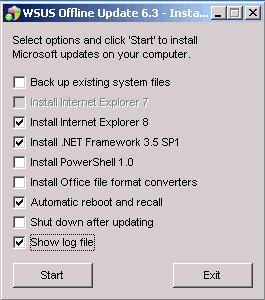
Visit WSUS site to download or alternatively you can directly download from this link.
Windows Update Downloader (WUD): Another alternative to install Microsoft update offline is WUD. WUD allows you to download all current windows update, patches, and fixes using a simple interface. It will give the list of all required updates which you can include / exclude from downloading. Visit Windows update Downloader page to download this tool.

Microsoft still provides one solution ‘offline scan file’ to update your Windows Operating System offline. But this is for only advance users. For more details please visit Microsoft support page.
These utility is useful for those people who want to install windows update in more than one PC, Network administrators etc.
Related Posts
-
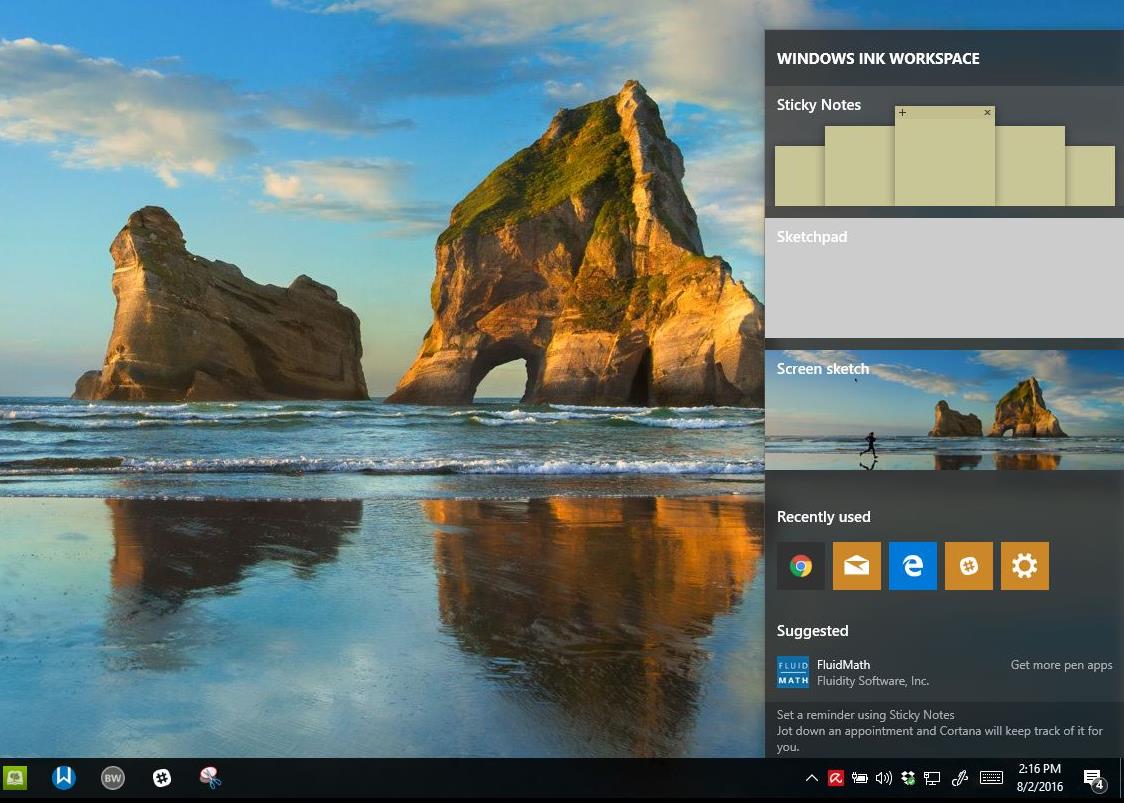
On August 2, 2016 the Windows 10 Anniversary Update came out with some cool new features…
-
Microsoft’s Windows operating systems let users do a lot of things. Every day, machines loaded…
-
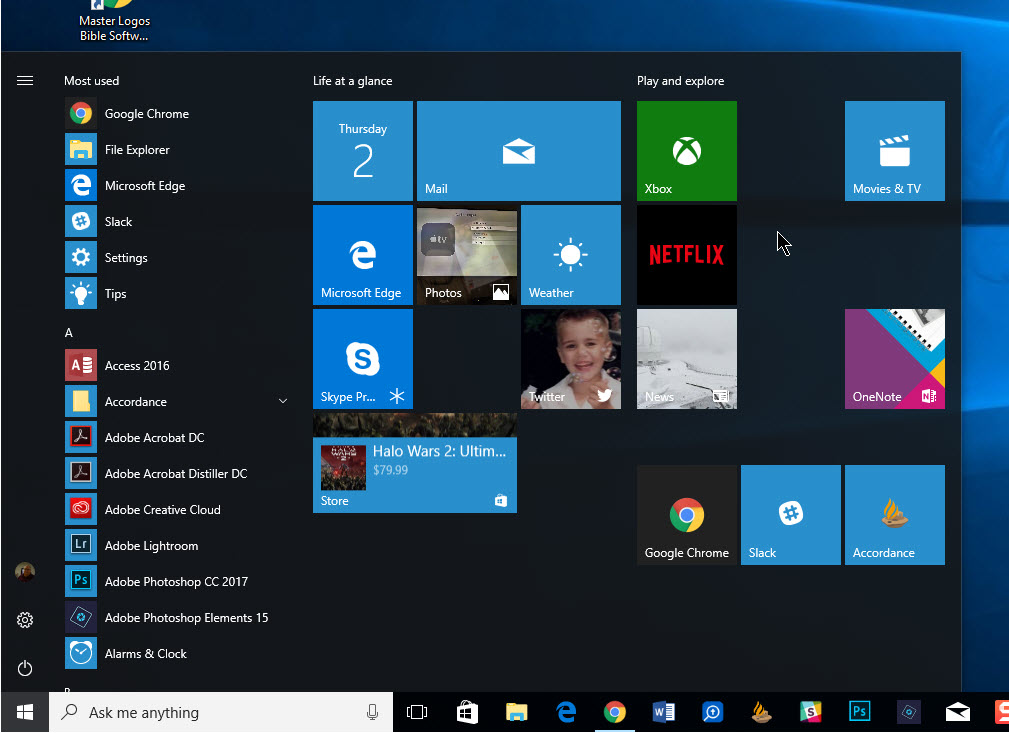
The Windows 10 Start Menu looks a lot like the one that came with Windows…